


“Clear Puff” normally means that a compatible vape device is asking whether you want to reset its recorded puff counter to zero. It does not refill the e-liquid, recharge the battery, restore the advertised puff capacity or repair a device fault.
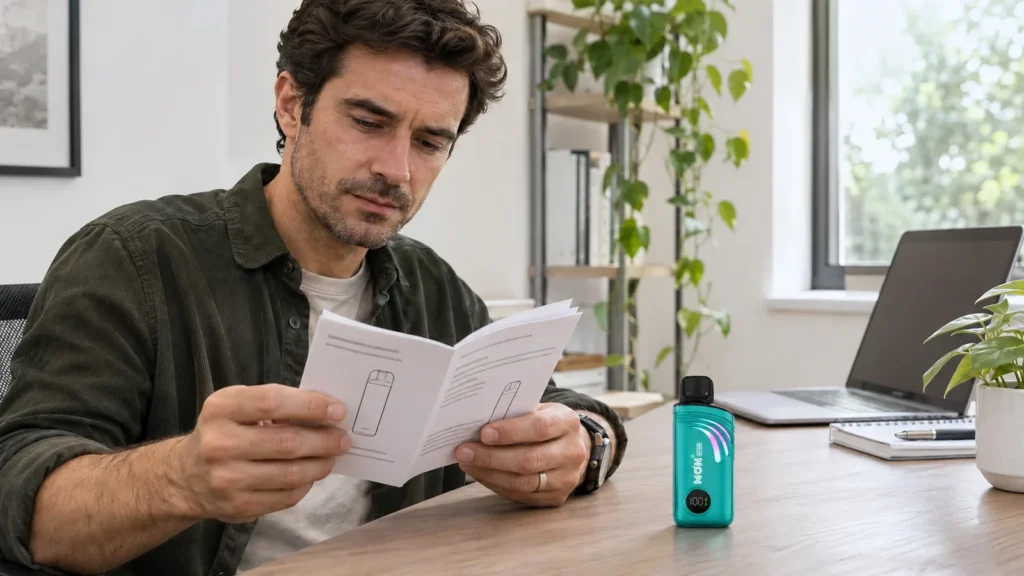
The exact meaning and controls can vary by model. Some regulated devices include a puff-counter menu, while many sealed or simplified devices do not provide a user-reset function at all. Always check the instructions supplied with the exact device before pressing a combination of buttons.
This guide is intended for adults of legal age who already use nicotine products. Nicotine is addictive. If you do not use nicotine, do not start. Keep nicotine products away from children and pets.
What does Clear Puff mean on a vape?
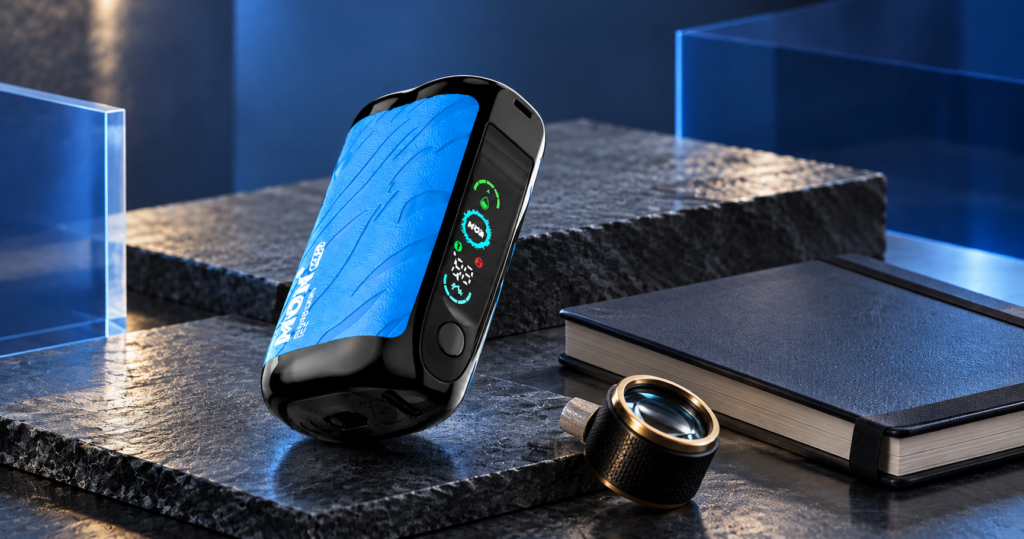
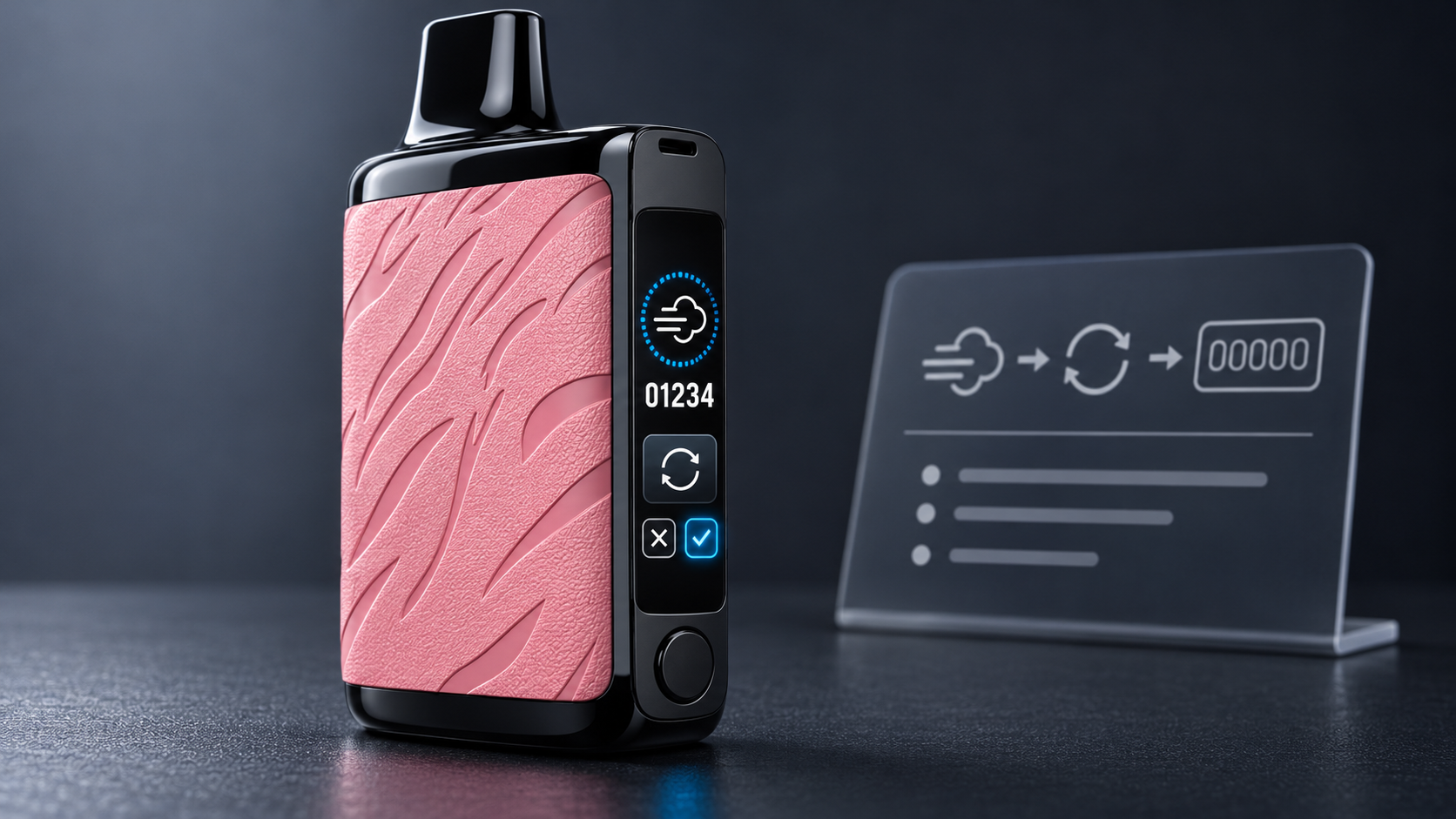
On a device with a built-in puff counter, the screen may record each recognised activation or draw. The Clear Puff, Puff Clear or Puffs Reset option normally removes that recorded number and returns the counter to zero.
For example, some manufacturer instructions describe a menu in which the user chooses whether to clear the recorded puff total. However, this is a model-specific display function. The wording, menu design and button controls are not universal.
Clearing the puff counter normally changes only the number displayed on the screen. It does not change the physical condition of the device.
What resetting the puff counter changes
When supported by the device, a puff-counter reset may:
- Return the recorded puff total to zero.
- Start a new personal usage record.
- Remove a puff-limit notification on certain compatible models.
- Allow an adult user to track a new period of use.
The counter records recognised device activations. It does not directly measure the exact amount of vapour, nicotine or e-liquid used during each puff. Puff length, airflow, power and device behaviour can vary.
What Clear Puff does not do
Selecting Clear Puff does not normally:
- Recharge the battery.
- Refill or restore the e-liquid.
- Reset the advertised product capacity.
- Repair a damaged coil, pod or battery.
- Remove liquid from the charging port.
- Fix overheating, leaking or abnormal activation.
- Perform a complete factory reset unless the manual specifically says so.
If a device is not working correctly, clearing the counter should not be treated as a repair method.
Clear Puff vs advertised puff count
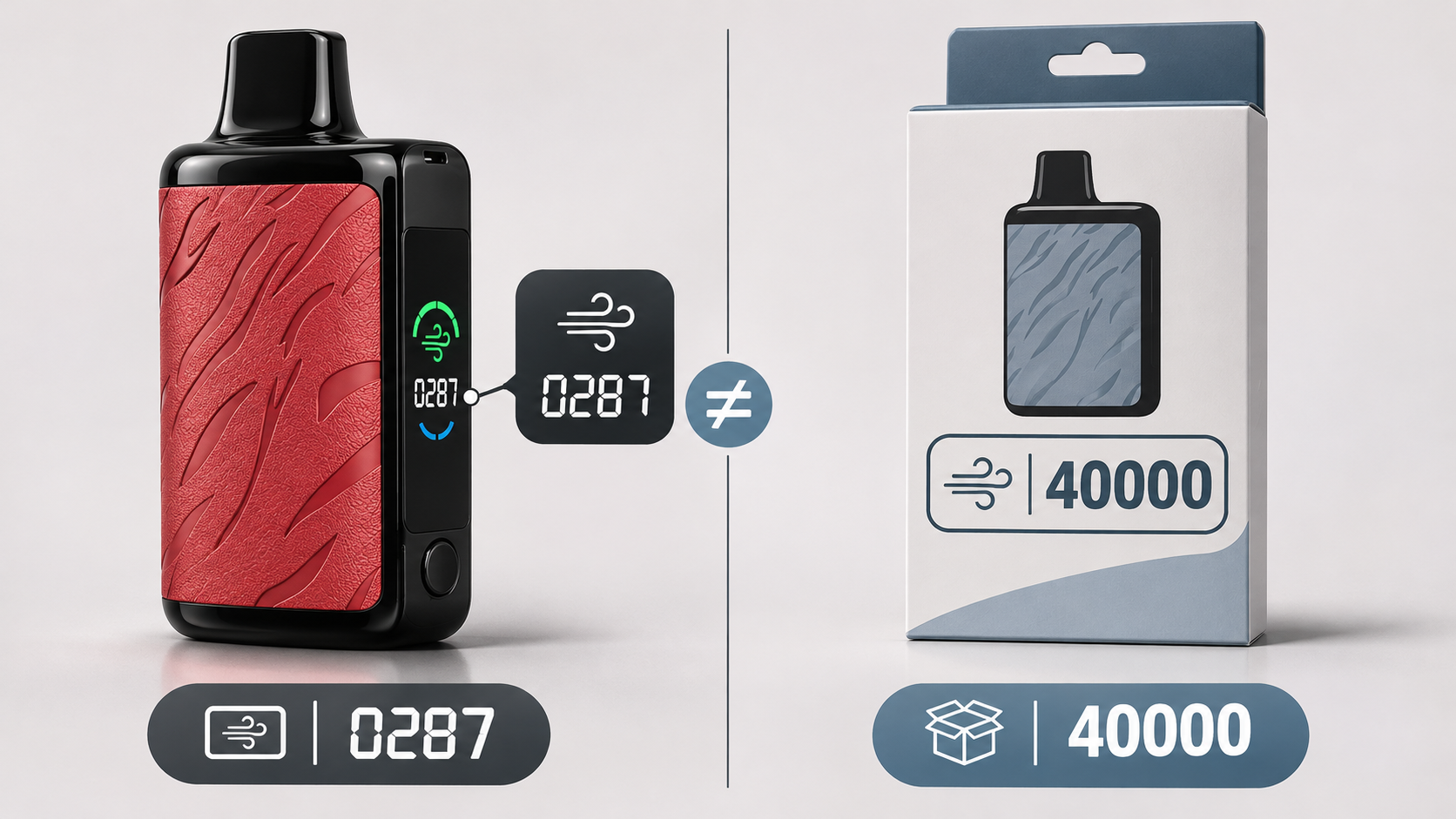
An on-screen puff counter and an advertised puff estimate are different things.
The screen counter records draws or activations recognised by the device. An advertised figure on a product page or package is normally an estimated maximum under particular test conditions. Actual use can vary according to puff duration, power mode, airflow, battery behaviour and when the user stops using the device.
Resetting the screen counter does not restore the advertised number of puffs. It only clears the recorded usage data shown by the device.
For a fuller explanation of product estimates, see our guide to what an advertised vape puff count means.
What do Max Puff and Puffs Over mean?
Some compatible devices allow the adult user to set a personal puff limit. Messages such as Max Puff or Puffs Over may indicate that the recorded counter has reached that selected limit.
These messages do not necessarily mean that the battery or e-liquid is empty. They may refer only to a counter setting. Nevertheless, the exact meaning depends on the model, so the product manual should be checked before changing or clearing anything.
Do not assume that a message from one brand or model has exactly the same meaning on another device.
How do you clear a vape puff counter?
There is no safe universal button sequence for every vape. On some devices, Clear Puff appears inside a settings menu. Other devices may require a documented button combination. Many sealed devices do not offer a reset function.
Use this order:
- Identify the exact brand and model.
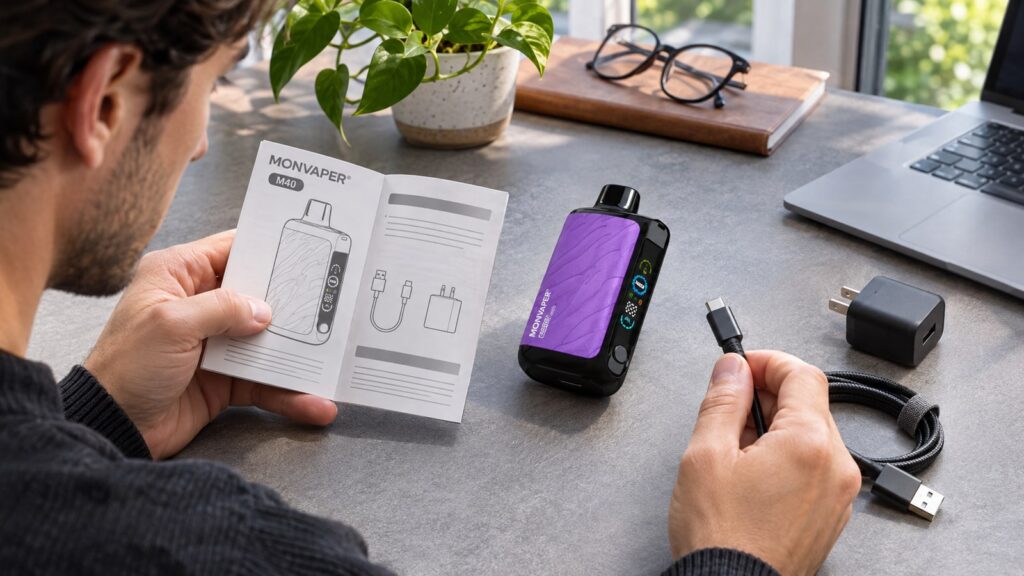
- Read the supplied manual or the manufacturer’s official instructions.
- Confirm that the device actually supports puff-counter reset.
- Follow only the controls documented for that model.
- Stop if the device displays an unfamiliar battery, temperature or fault warning.
Do not repeatedly press random button combinations. Doing so could change the power setting, lock the controls or activate another function.
Can a sealed disposable vape be reset?
Many sealed disposable or rechargeable disposable devices do not provide a user-accessible Clear Puff menu. A screen may show battery or e-liquid information without allowing the recorded values to be manually reset.
Do not open, puncture or dismantle a sealed vape in an attempt to reset it. Do not remove an internal battery or modify the electronics.
If the manufacturer does not describe a reset function, treat the device as non-resettable.
Does clearing the counter make the vape last longer?
No. Resetting a displayed number does not increase the remaining e-liquid or battery capacity.
A device may show zero after the counter is cleared, but its physical usage history has not been reversed. If the e-liquid is nearly empty, the battery is degraded or the device tastes burnt, resetting the screen will not correct those conditions.
Stop using the device if it produces a burnt, metallic, chemical or unusually harsh taste.
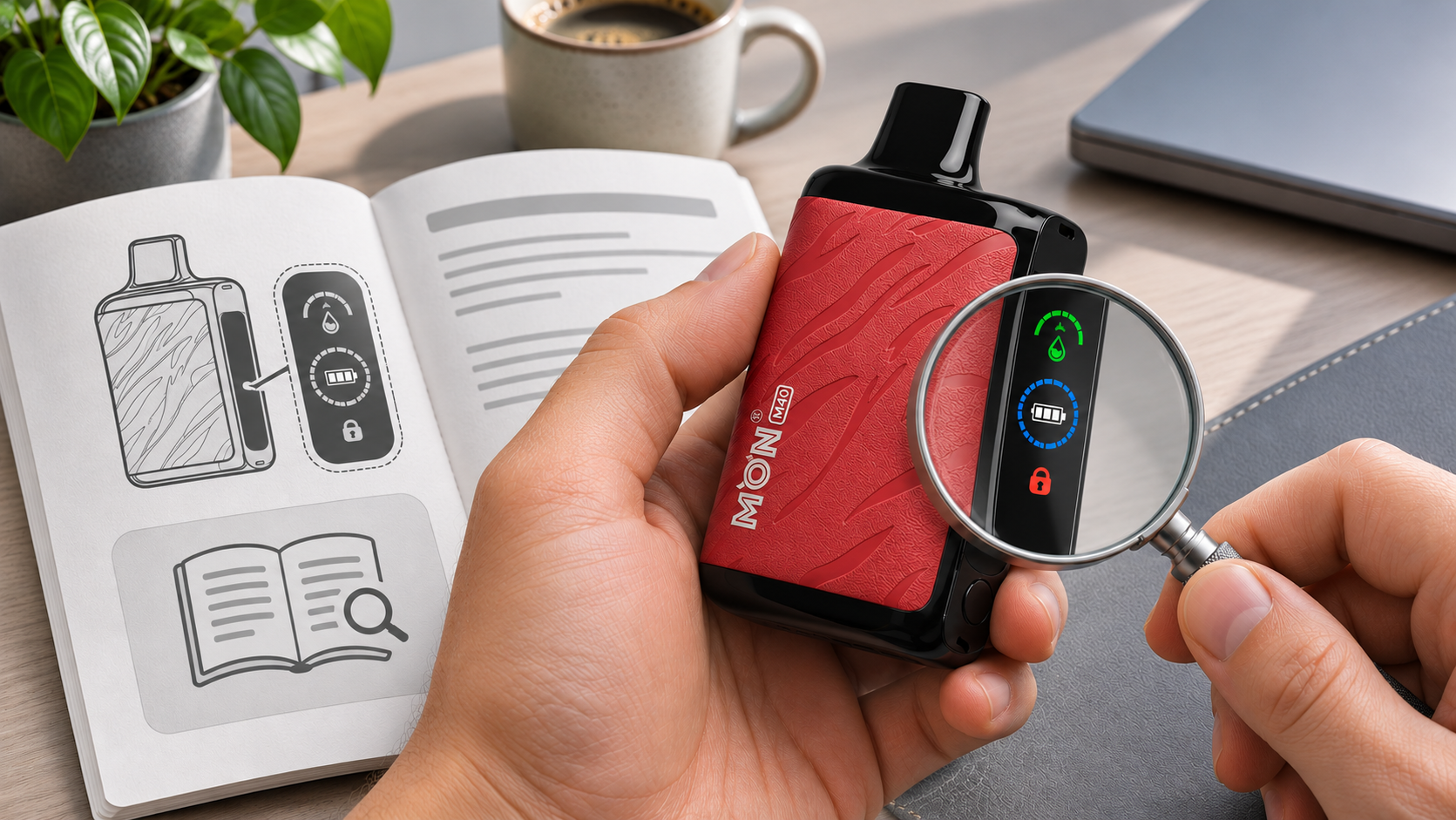
Check the exact device instructions
Manufacturers may use similar icons and phrases for different functions. Model-specific documentation is therefore more reliable than a generic button guide.
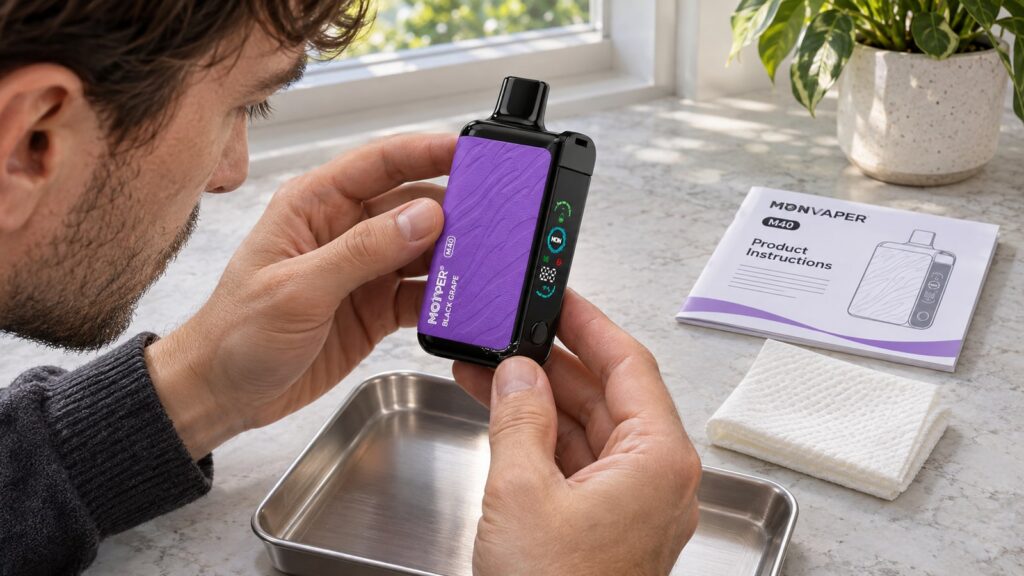
For example, adult users of the M40 can consult the MONVAPER M40 display symbols guide. That guide applies only to the M40 and should not be used as instructions for another device.
If your device is a different model, locate its corresponding manual or contact the seller or manufacturer for confirmed instructions.
When Clear Puff is not the real problem
A puff-counter message may appear at the same time as another device problem. Before continuing to use the device, check for:
- Unusual heat.
- Swelling, cracking or other physical damage.
- Liquid inside or around the charging port.
- A burnt, metallic or chemical taste.
- Unexpected automatic activation.
- A strong smell that was not present before.
- Repeated flashing or an unfamiliar error message.
- A battery that will not charge normally.
Do not keep testing or charging a device that is hot, wet, damaged, swollen or behaving unpredictably.
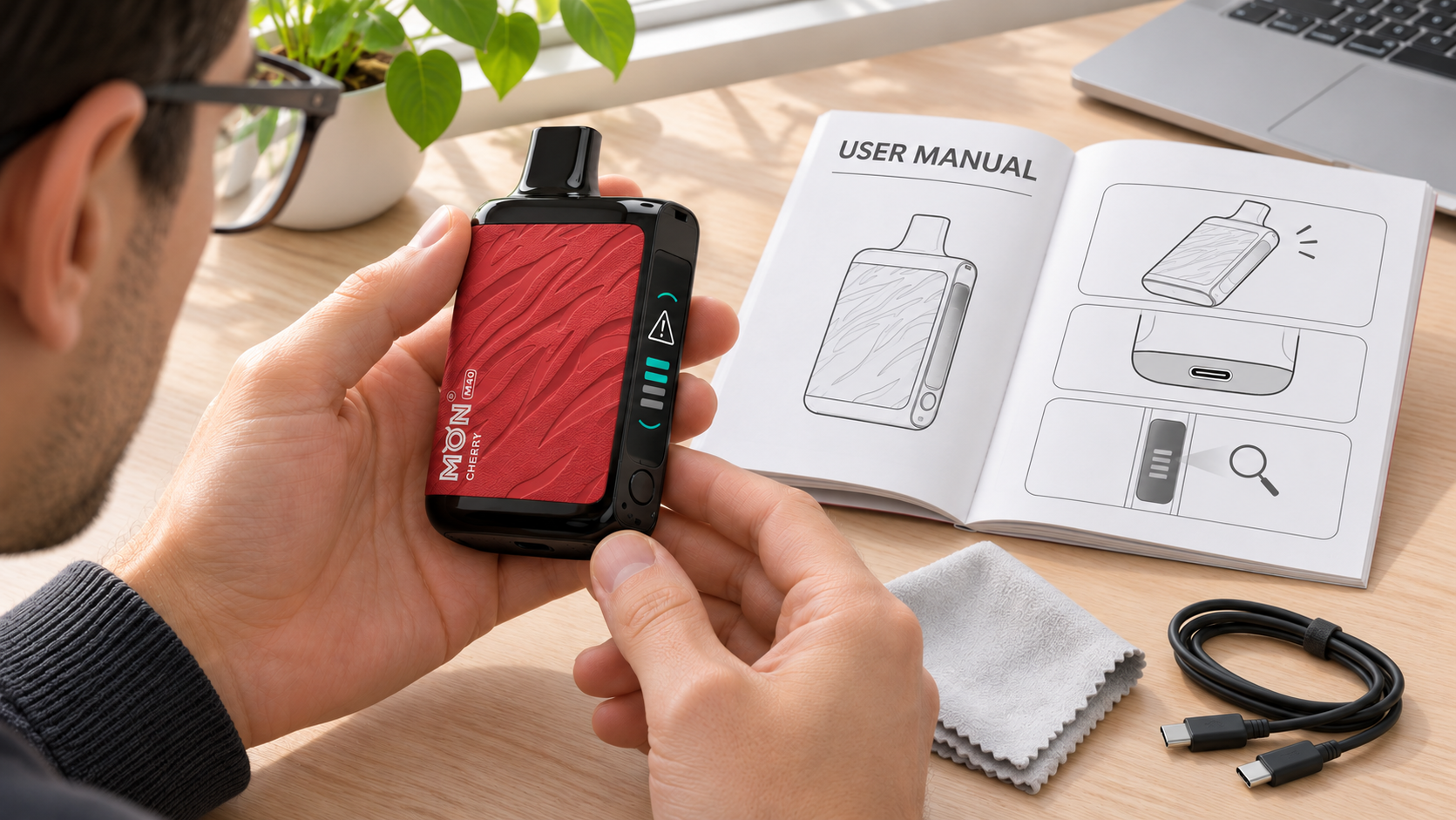
If the device is flashing or will not operate, use the separate guide covering safe checks for a blinking vape. Do not assume that clearing the puff counter will resolve a hardware or battery problem.
Why did the puff counter return to zero by itself?
Depending on the device, the counter may reset after reaching a maximum recorded value, after a menu setting is changed or after another model-specific event. It may also have been cleared accidentally while adjusting the controls.
Check the exact manual before concluding that the device is faulty. If the screen repeatedly resets while the device also becomes hot, flashes abnormally or stops working, discontinue use and contact the seller or manufacturer.
Frequently Asked Questions
It usually means resetting the device’s recorded puff counter to zero. The exact wording and controls vary by model.
No. It does not restore e-liquid, recharge the battery or increase the device’s physical capacity.
No. The advertised puff figure is an estimate associated with the product. Clear Puff normally resets only the usage number recorded on the device screen.
Usually not. A puff-counter reset normally changes only the recorded puff number. Follow the exact manual if the device provides a separate factory-reset function.
On some models, it means the recorded counter has reached a user-selected or device-defined puff limit. Check the instructions for the exact model before changing the setting.
No universal combination applies to every vape. Button controls differ between brands and models. Use only the official instructions for the exact device.
No. Stop using the device if it tastes burnt, metallic, chemical or unusually harsh. Resetting the displayed count will not correct a damaged or abnormally heated device.
Final safety reminder
Clear Puff is normally a display and usage-record function, not a repair function. It usually resets the recorded puff counter and nothing more.
Check the instructions for the exact device before changing any setting. Do not dismantle sealed devices, and do not continue using or charging a vape that is hot, leaking, damaged, swollen or behaving abnormally.
Adults of legal age only. Nicotine is addictive. If you do not use nicotine, do not start. Keep nicotine products away from children and pets.