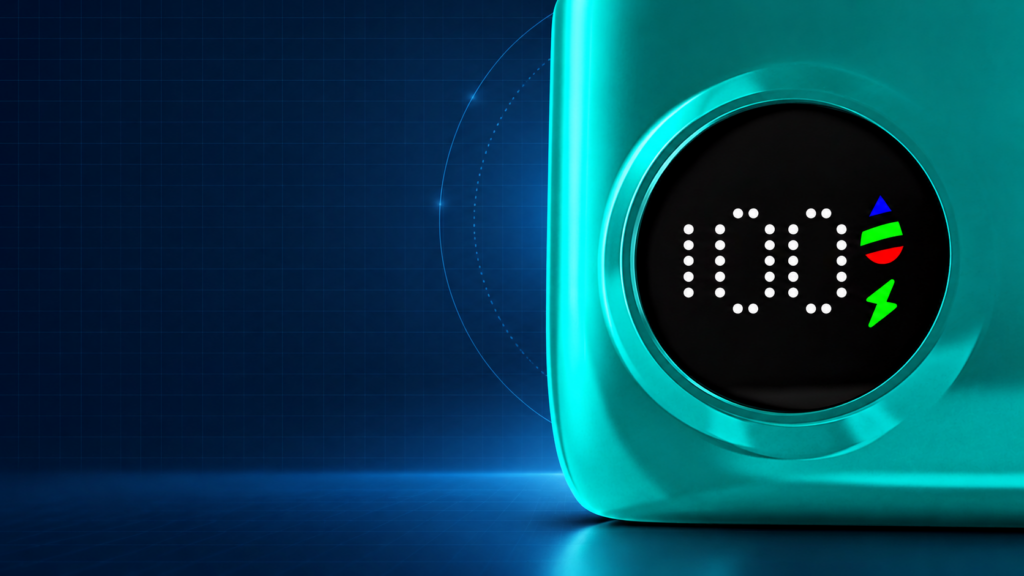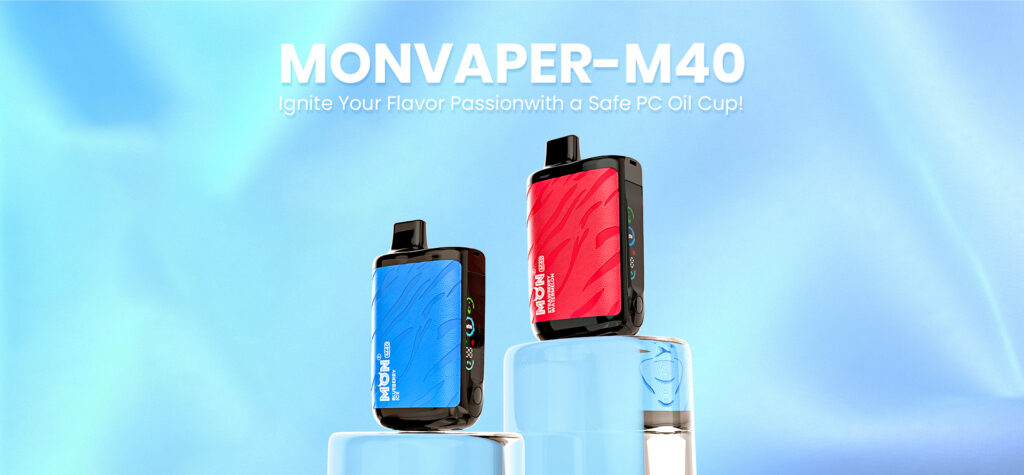



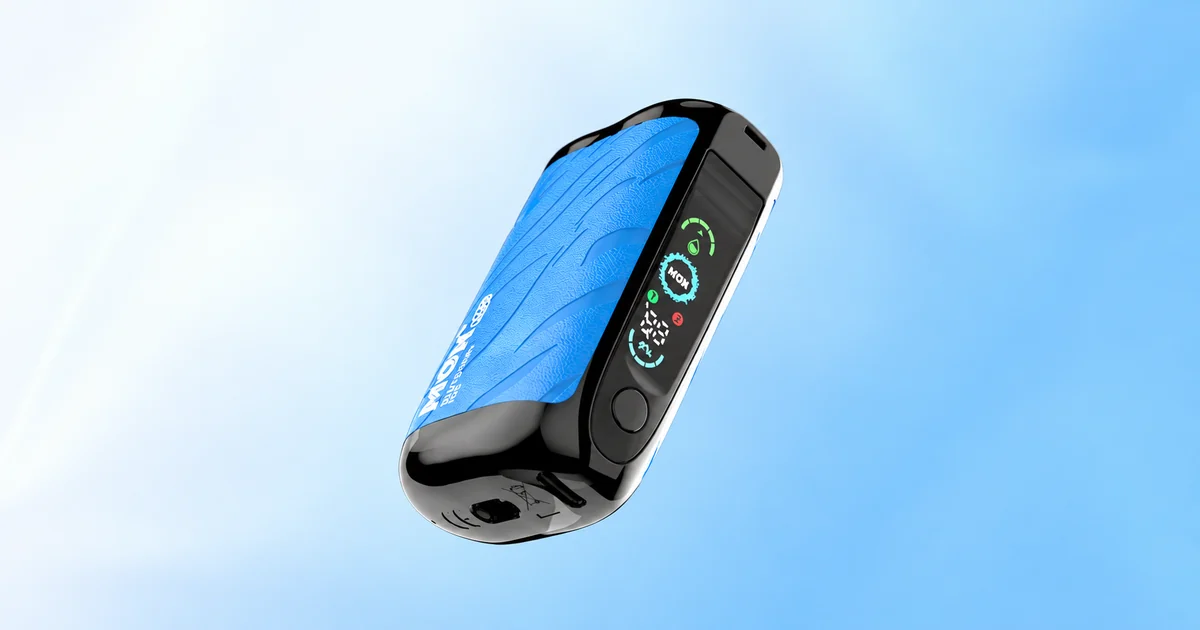
At first glance, the screen on the MONVAPER M40 may look like a small design detail. After using the device for a while, however, the MONVAPER M40 display symbols become some of the features you check most often.
Instead of guessing how much battery or e-liquid is left, the MONVAPER M40 display gives you a quick view of the device’s current status. It also helps you keep track of the selected operating mode and understand whether the safety lock is active.
This guide explains the main MONVAPER M40 display symbols and indicators, along with the Normal and Turbo modes, adjustable power settings and airflow controls.
What Do the MONVAPER M40 Display Symbols Show?
The MONVAPER M40 screen is designed to show the information that matters during everyday use:
- Remaining battery level
- Remaining e-liquid status
- Selected operating mode
- Power setting
- Lock or unlock status
The exact appearance of an icon or animation is less important than the information it represents. Once you know where to look, reading the screen only takes a few seconds.
MONVAPER M40 Battery Indicator
The battery section of the MONVAPER M40 display shows the remaining charge level of the device.
When the battery indicator is high, the device has sufficient power for continued use. As the indicator becomes lower, it is time to prepare for charging.
The M40 uses a 1200mAh rechargeable battery and supports Type-C charging. The larger battery capacity is intended to provide longer daily use, although actual battery life depends on your selected power level, operating mode and drawing habits.
Turbo mode and higher power settings generally use battery power faster than a lower-output setting. If battery life is your priority, Normal mode will usually be the more practical choice.
If the battery indicator becomes very low:
- Stop using the device.
- Connect a suitable Type-C charging cable.
- Place the device on a stable, heat-resistant surface.
- Disconnect it after charging is complete.
Do not continue charging or using the device if it becomes unusually hot, damaged or starts leaking.
MONVAPER M40 E-Liquid Indicator
The e-liquid indicator helps you estimate how much liquid remains inside the device.
The MONVAPER M40 comes with a prefilled 28ml e-liquid reservoir. Because the reservoir is not intended to be opened during normal use, the display provides a more convenient way to monitor the remaining liquid.
When the e-liquid indicator is high, there is still plenty of liquid available. When it approaches the lower end, you may also notice changes in flavour or vapour production.
The indicator should be treated as a practical estimate rather than a laboratory measurement. Usage varies depending on:
- Draw length
- Draw frequency
- Selected power level
- Normal or Turbo mode
- Airflow setting
Do not try to open, refill or modify the device when the e-liquid reaches the end of its usable life.
Normal Mode and Turbo Mode Explained
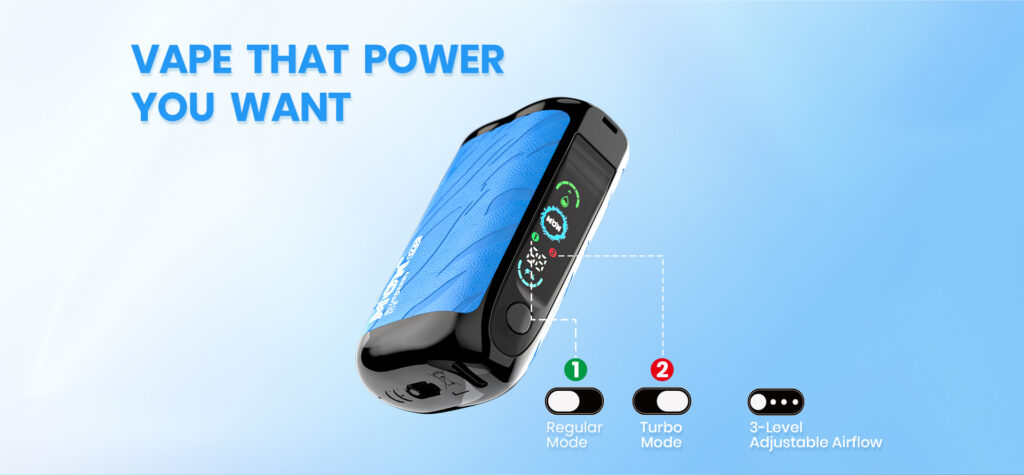
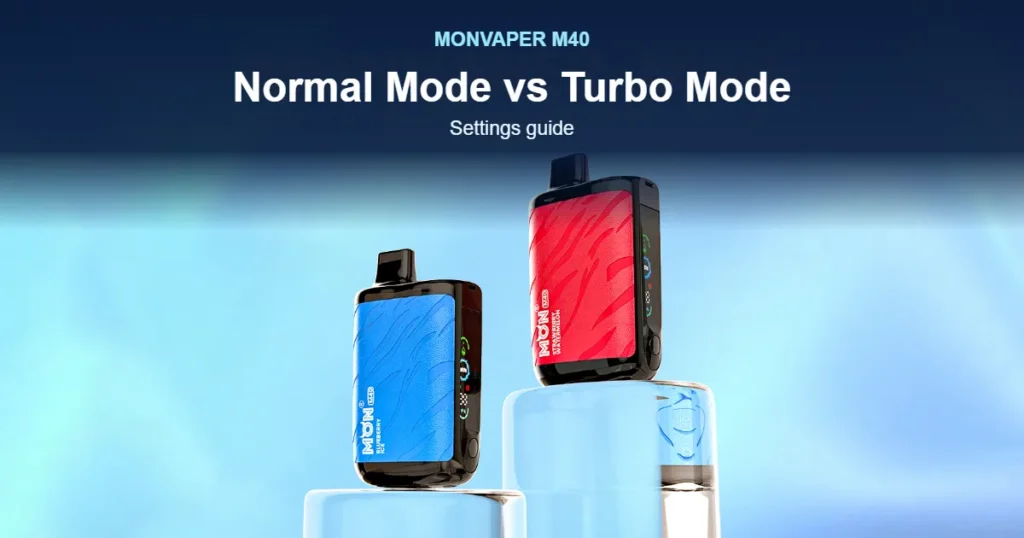
The MONVAPER M40 offers both Normal and Turbo operating modes.
For a fuller comparison of output, battery use, e-liquid consumption and everyday settings, read MONVAPER M40 Normal Mode vs Turbo Mode.
Normal Mode
Normal mode is the balanced everyday setting. It is suitable for users who prefer smoother output and want to manage battery and e-liquid consumption more efficiently.
Choose Normal mode when:
- You want longer battery life
- You prefer a more moderate output
- You want the e-liquid to last longer
- You are using the device throughout the day
Turbo Mode
Turbo mode increases the intensity of the experience by delivering stronger output through the dual mesh coil system.
Choose Turbo mode when:
- You want a more powerful draw
- You prefer stronger vapour production
- You want a more intense flavour experience
Turbo mode can consume battery power and e-liquid faster. This is normal and does not automatically indicate a problem with the device.
If the battery or e-liquid level appears to fall faster than expected, check whether Turbo mode or a higher power level is currently selected.
Understanding the Four Power Levels
The M40 includes four adjustable power levels, allowing users to fine-tune the output instead of relying on a single fixed setting.
A lower power level generally provides a milder experience while reducing battery and liquid consumption. A higher setting produces a more noticeable output but may use the available battery and e-liquid more quickly.
There is no single setting that is right for everyone. A useful approach is to begin with a lower or middle level and adjust gradually until the output feels comfortable.
Avoid repeatedly changing settings during a draw. Make the adjustment first, confirm the selected level on the screen and then use the device normally.
Understanding the Three Airflow Levels
In addition to the power settings, the MONVAPER M40 provides three levels of airflow control.
A more restricted airflow usually creates a tighter draw, while a more open airflow allows more air to pass through the device. The preferred setting comes down to personal comfort.
Power and airflow work together. For example, a high power level combined with a more open airflow will feel different from the same power setting with restricted airflow.
If the draw feels too strong, too warm or uncomfortable, reduce the power level or adjust the airflow before continuing.
What Does the Lock Symbol Mean?
The lock indicator shows whether the MONVAPER M40 child safety lock is active.
The M40 uses a five-click locking system. When the device is locked, normal activation is restricted. This helps reduce accidental use when the device is being carried or stored.
The safety lock is useful, but it does not make the product childproof. Always keep the device away from children and pets.
For complete instructions, read our guide: How to Unlock the MONVAPER M40 Child Lock.
How to Read the MONVAPER M40 Display in 10 Seconds
Before using the device, run through this quick check:
- Look at the battery indicator.
- Check the remaining e-liquid status.
- Confirm whether Normal or Turbo mode is selected.
- Check the selected power and airflow settings.
- Make sure the device is unlocked before use.
This simple routine helps prevent common situations such as mistaking a locked device for a faulty one or unexpectedly running out of battery.
Why Is the MONVAPER M40 Display Flashing?
A flashing or changing display does not always mean that the device is faulty. Depending on what you were doing at the time, the screen may be responding to:
- A low battery level
- A low e-liquid level
- A change in power setting
- Switching between Normal and Turbo mode
- Locking or unlocking the device
- A temporary device protection alert
First, check the battery, e-liquid and lock indicators. If the display continues flashing, the device becomes unusually warm, or normal operation does not return, stop using it and contact the seller or customer support.
Do not disassemble the device in an attempt to repair it.
MONVAPER M40 Key Specifications
| Feature | MONVAPER M40 |
|---|---|
| Rated puff count | Up to 40,000 puffs |
| E-liquid capacity | 28ml prefilled |
| Battery | 1200mAh rechargeable battery |
| Charging | Type-C |
| Coil system | Dual mesh coil |
| Operating modes | Normal and Turbo |
| Power control | Four adjustable levels |
| Airflow control | Three adjustable levels |
| Display | Battery and e-liquid status |
| Safety feature | Five-click child safety lock |
| Exterior | Soft-touch leather-pattern finish |
The advertised puff count is a maximum rating, not a guaranteed personal result. Actual usage depends on draw duration, power level, airflow and operating mode.
Frequently Asked Questions
What do the MONVAPER M40 display symbols mean?
The display communicates the device’s battery level, remaining e-liquid, operating mode, selected settings and lock status. These indicators allow you to check the device without relying on guesswork.
How do I check the battery level on the MONVAPER M40?
Look at the battery section of the screen before use. When the indicator becomes low, recharge the device using a suitable Type-C cable.
How do I know when the MONVAPER M40 is running out of e-liquid?
Check the e-liquid indicator on the display. A low reading, together with reduced flavour or vapour production, may indicate that the device is approaching the end of its usable liquid supply.
Does the screen show the exact number of puffs remaining?
The confirmed display functions focus on battery and e-liquid status. The “up to 40,000 puffs” specification should not be treated as an exact countdown because individual draw length and settings affect total usage.
What is the difference between Normal and Turbo mode?
Normal mode offers a more balanced output and generally uses less battery and e-liquid. Turbo mode provides a stronger experience but can consume both more quickly.
Why is my MONVAPER M40 not working even though it has battery?
First check whether the safety lock is active. If the device remains unresponsive after confirming the lock, battery and e-liquid status, stop using it and contact customer support.
Final Thoughts
The MONVAPER M40 display symbols are useful because they remove much of the guesswork from everyday use. Battery level, e-liquid status, operating mode and safety lock information can all be checked from the device itself.
For the best balance between output and endurance, begin with Normal mode and a moderate power setting. Turbo mode is available when stronger output is preferred, but it will normally use battery and liquid more quickly.
You can also view the MONVAPER M40 40000 Puffs product page for available flavours, product images and current stock information.
This product is intended only for adults of legal smoking age. It contains nicotine, which is an addictive substance. Keep the device away from children and pets.