



Vape Not Charging? 9 Safe Checks to Try Before You Replace It
Adults 21+ only. A rechargeable vape that will not charge feels like a dead end — but in most cases the battery and chip are fine. The culprit is usually something outside the device: a tired cable, a weak power source, a pocket-furred port, or a battery that is simply too cold to accept current. The same applies when a device charges but will not produce vapour: that is often a connection or airflow issue, not a power failure.
This guide walks through nine checks in the order a technician would use them. None requires opening the device, and none puts the battery at risk. Work through them once and you will solve the majority of “disposable vape not charging” and “charged but not working” cases at home.
Why a vape can refuse to charge
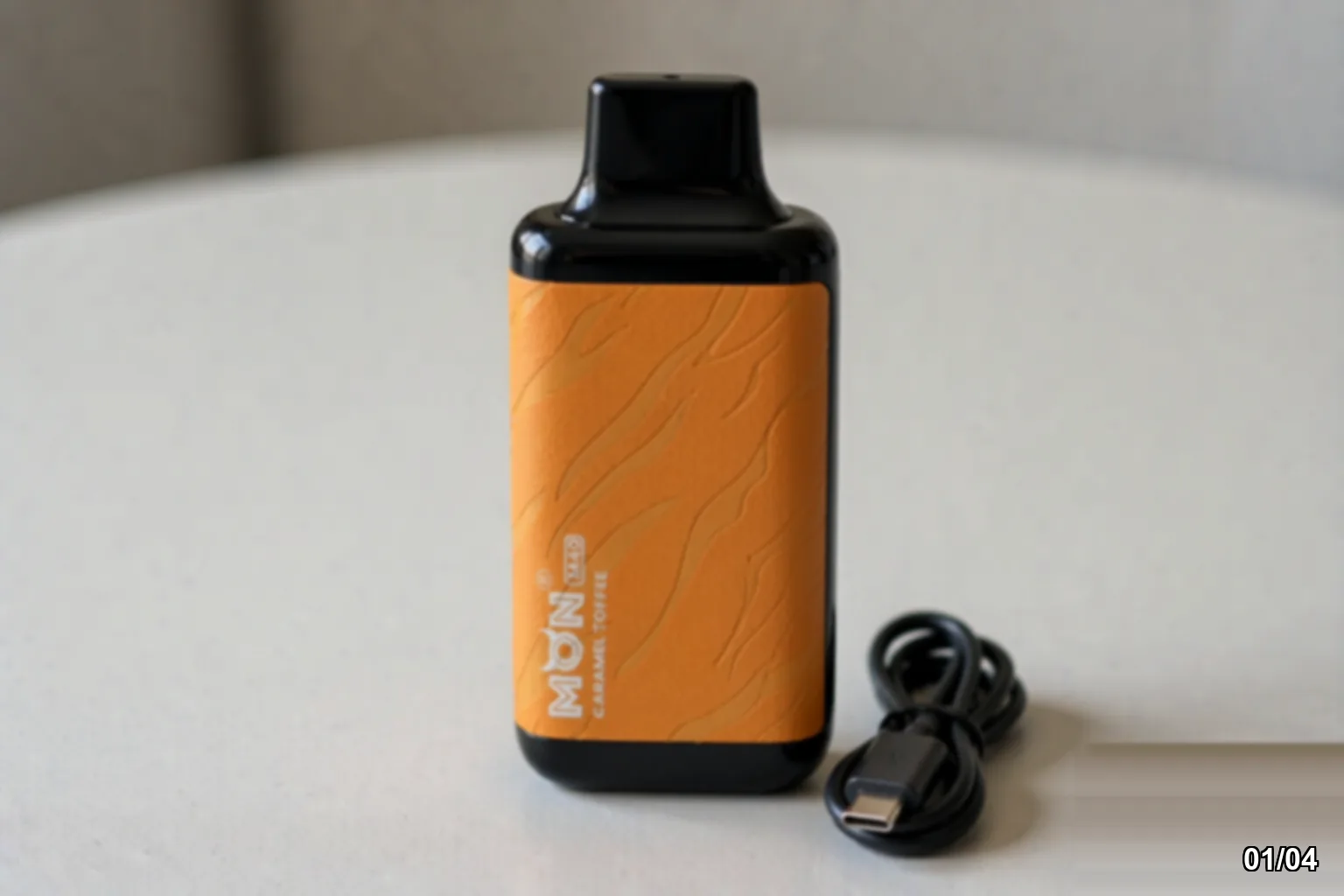
Understanding the failure mode helps you test the right thing. A rechargeable disposable contains a lithium cell, a small protection circuit and a charging controller. For current to flow, three conditions must be met: the cable must deliver power, the port and contact surfaces must conduct, and the battery must be within a safe temperature and voltage range. If any one of those fails, the indicator stays dark — which looks exactly like a dead device.
That is why the first checks focus on external parts rather than the vape itself. A USB-C cable can look perfect outside while its internal wires are broken near the plug. A laptop USB port, car adapter or high-power fast charger may supply messy or negotiated power that a simple charging controller ignores. And after a night in a cold car or a hot windowsill, the protection circuit will intentionally block charging until the cell warms or cools.
The 9 safe checks, in order
1. Swap the cable before anything else
Use a cable you have already charged another device with today. USB-C leads fail far more often than the ports they plug into, especially if they live in a pocket or bag. Avoid cheap, ultra-thin cables and inspect the connector for bent or green-tinted pins.
2. Change the power source
Plug into a standard 5V wall adapter rated around 1A–2A. Skip fast-charge bricks, power banks with unusual output modes and laptop ports until you have ruled them out. A device that charges on a plain adapter but not on a 65W charger was never broken.
3. Clean the charging port gently
Pocket lint compacts into the port and stops the plug seating fully. With the device switched off, use a dry toothpick, a dry soft brush or a folded tissue to lift debris out. Never pour liquid into the port and never dig with a metal pin — both can cause a short or bend the connector.
4. Check that the plug seats snugly
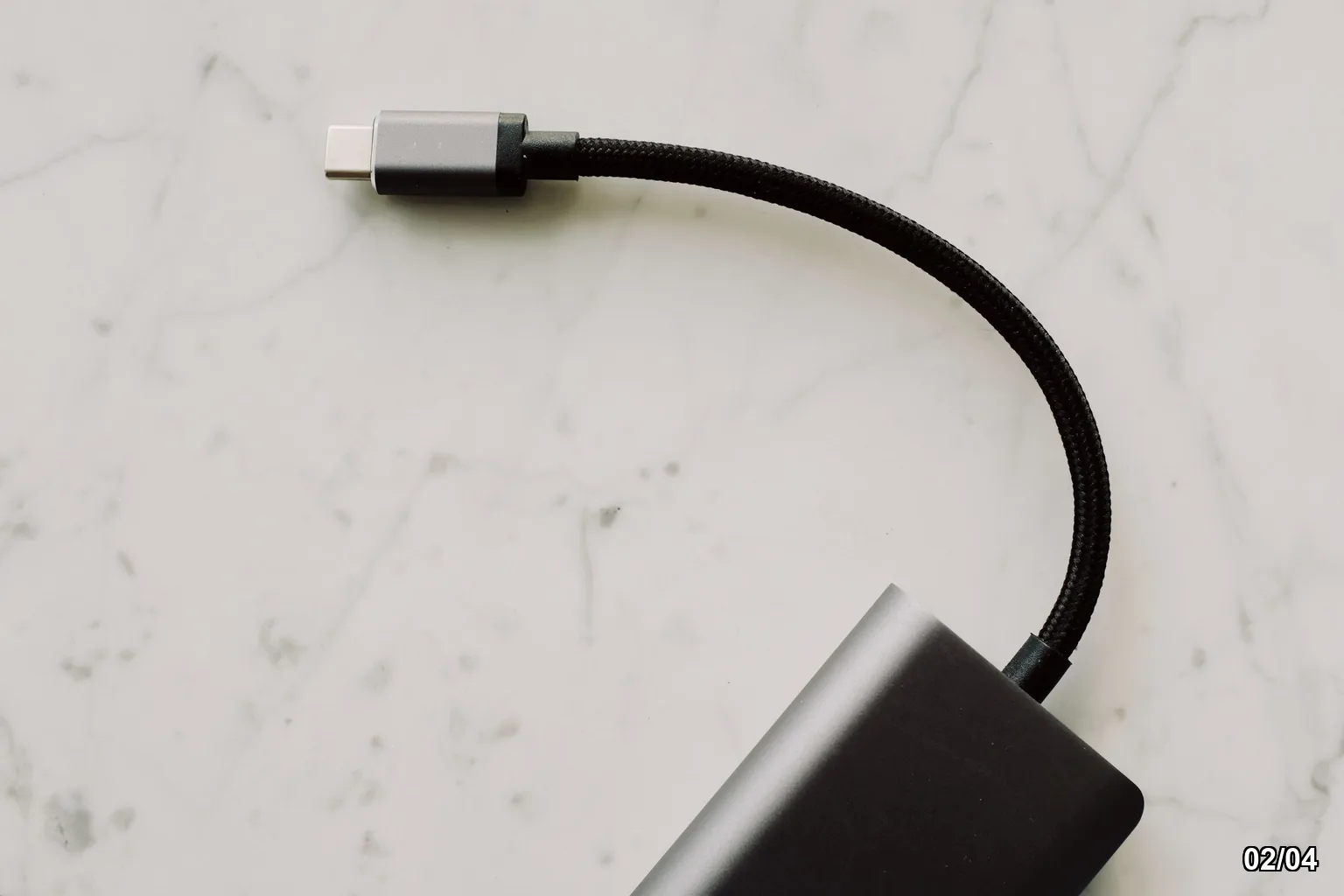
The connector should slide in with light, even resistance. If it wobbles, falls out or needs to be held at an angle, stop. A loose port is a hardware fault that will not be fixed by more force, and forcing it can damage the contacts further.
5. Let the device reach room temperature
Lithium cells charge poorly below about 10°C and protection circuits cut charging when they are too hot. Bring the vape indoors, leave it away from radiators and direct sun for 10–15 minutes, then try again. This single step explains many “worked yesterday, dead today” reports in winter.
6. Reseat the pod or coil
On pod-style and rechargeable disposable devices, a pod that is not fully seated breaks the electrical path. Remove it, check for dirt or moisture, and push it back until it sits firmly. A device can appear to have a charging problem when it actually has a connection problem.
7. Clean the battery contacts
Wipe the visible metal pins on the pod and in the device with a dry cotton swab. Finger oil and e-liquid residue build up over time and raise resistance at the contact point. Dry is the operative word: do not use alcohol or water.
8. Read the indicator, don’t guess
A light that glows, pulses or changes colour confirms charging has started; a screen shows battery status directly. Signal patterns vary by model, so compare what you see with the device manual rather than assuming that every blink means an error. Our guide to vape blinking light codes explains the common patterns and what they mean.
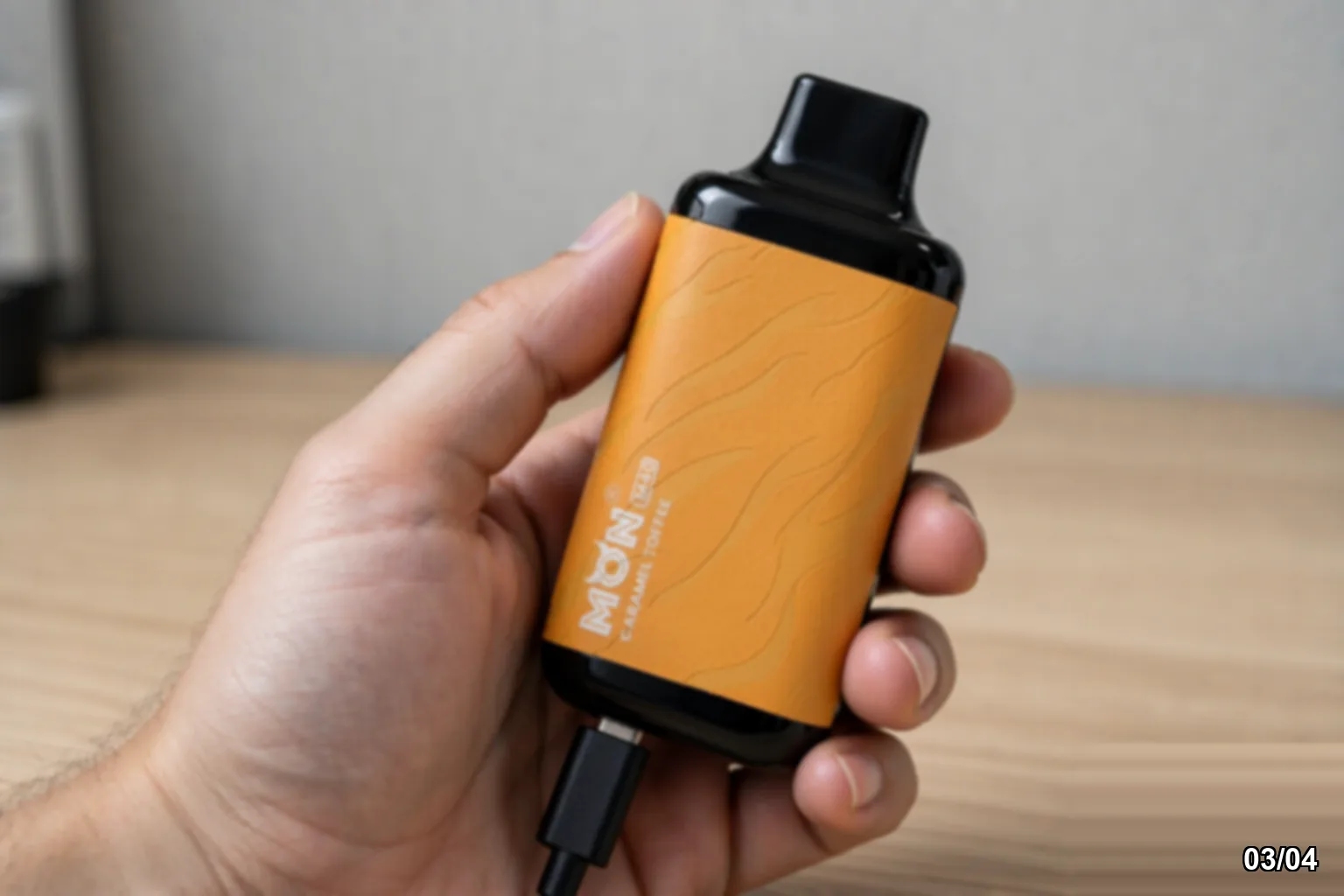
The MON M40 is a useful example of a straightforward rechargeable device: a compact rounded box with a black frame, a black wide mouthpiece and an orange leather-texture front panel carrying the vertical MON M40 logo. With no menu to navigate, you judge charge by its indicator rather than a settings screen — which makes a simple cable-and-port check the fastest route to an answer.
9. Give a deeply depleted battery time
When a cell has sat empty for weeks, the controller may trickle-charge it before the indicator wakes up. Leave it connected with a known-good cable and adapter for at least 30 minutes. If nothing changes after that, the battery is likely beyond recovery.
Charged but still not working? Different problem, different checks
If the indicator says the battery is full but drawing produces nothing, power is no longer the suspect. Work through these points:
- Take a short, gentle draw. A sensitive airflow sensor may not trigger on a weak inhale, and a very long draw can trip the timeout protection.
- Clear the air inlet. Dust or a fingerprint over the external intake can stop the sensor from seeing airflow. Wipe the outside with a dry cloth.
- Check for a lock or status message. Some devices ship with a child lock or display a confirmation such as “Puff Clear” after a reset. That message is not a fault; our explanation of what Puff Clear means on a vape covers what to expect.
- Fit a fresh pod or coil. A burnt or flooded coil can feel exactly like a dead battery. If the draw tastes flat or harsh, replace the consumable before replacing the device.
- Let it rest. Chain vaping heats the coil and can trigger a temporary cut-off. Five minutes of rest often restores normal operation.
When to stop and recycle the device
Troubleshooting has a hard limit. Stop using the device immediately if you notice swelling, unusual heat, a burning smell, liquid around the charging port, or a connector that has become loose. A damaged lithium cell should never be charged again, and a sealed disposable should never be opened to reach the battery.
In Germany and across the EU, used vapes belong in dedicated battery or electronic-waste collection, not in household rubbish. Our guide to where to dispose of vape batteries explains the preparation steps and where to take them. If you need the wider background on legal take-back rules, the German vape recycling programme guide covers that in detail.
Frequently asked questions
Why won’t my disposable vape charge?
Most often a faulty cable, a weak or mismatched charger, lint in the port, dirty contacts, or a battery outside its safe temperature range. Test a different cable with a plain 5V adapter before assuming the device has failed.
My vape is fully charged but still not working. Why?
Check the pod connection, dry the contacts, clear the airflow inlet and try a short gentle draw. A locked device, a status message or a worn coil can all mimic a power fault.
Can I use a fast charger or a 65W laptop brick?
Most rechargeable disposables expect 5V at roughly 1A–2A. High-power chargers may not supply that safely without proper negotiation, so use a standard adapter unless the manual specifically permits more.
How long should a vape take to charge?
Usually 30–90 minutes. A deeply depleted battery can stay silent for the first five to ten minutes, so allow at least 30 minutes before giving up.
Is it safe to clean the charging port with a pin or liquid?
No. Use only dry, non-metallic tools such as a toothpick or soft brush. Metal pins can short the contacts and liquid can corrode them.
When should I stop trying and recycle it?
Stop if the device is swollen, hot, smells burnt, leaks near the port, or still shows no response after 30 minutes with a known-good cable and 5V adapter. Take it to a battery or e-waste collection point.
Final word: test the cheap things first
A vape that will not charge is rarely a write-off. Cables, adapters, lint and temperature account for most cases, and all four are free or cheap to check. Work through the nine steps in order, read the indicator instead of guessing, and stop at the first sign of physical damage. If the device is genuinely finished, recycle it properly and move on — never try to repair a sealed battery yourself.
Explore adult-only vape guides and devices at MONVAPERS. For EU fast delivery and the full rechargeable range, browse the shop. You must be of legal vaping age in your country to purchase.
For adults 21+. Contains nicotine, an addictive chemical. Follow your device manual and local regulations. Never charge a damaged or swollen battery.