



Vape Blinking 3, 5 & 10 Times: Light Codes Explained (2026)
Adults 21+ only. You take a draw, the vape gives a small blink, and suddenly you are counting flashes instead of vaping. If your vape is blinking three, five or ten times, the device is almost always trying to tell you something: the battery is low, a connection is poor, a protection circuit has tripped, or an action has been confirmed. Blinking is a language, not a death sentence for the device.
The frustrating part is that flash patterns are not standardised. Three blinks on one device can mean “charge me”, while on another they mean “pod not recognised”. This guide covers the most common vape blinking light codes, a repeatable way to count them, safe fixes, and clear signs that it is time to recycle the device.
The short answer: what a blinking vape is telling you
Almost every blink falls into one of four buckets. First, a status signal — the device confirms a puff, a button press, a mode change or the end of a puff count. Second, a low-battery warning, usually a repeated slow pulse or a short group of three flashes. Third, a protection trip: the chip has detected a short circuit, an atomizer fault, an overheat condition or a draw that lasted too long, and it cuts power to stay safe. Fourth, end of life — the coil is spent or the sealed battery can no longer hold a charge.
Only the last category normally requires replacement; the others are usually fixed by charging, cleaning or resting the device. Watch the pattern carefully: how many flashes, how fast, and whether they happen on every puff or only at certain times.
Common vape blinking patterns and their likely meanings
Use this table as a map, not a manufacturer’s manual. It reflects patterns commonly reported across CCELL-style pods, Vaporesso kits, crystal-bar-style disposables and screen-equipped models.
| Flash pattern | Usual meaning | First thing to try |
|---|---|---|
| 3 quick flashes | Low battery, or pod not detected on some systems | Full charge with a good cable; reseat the pod. |
| 5 flashes | Atomizer / short-circuit protection, common on CCELL-style devices | Remove pod, dry and clean contacts, refit firmly. |
| 10 flashes | Overtime or overheat cut-off; on some models a reset confirmation | Rest for 10 minutes; shorten draws; clear the air inlet. |
| Slow repeated pulse | Battery running low | Charge at a standard 5V source, not a high-power fast charger. |
| Green or white flashing | Often battery level or mode confirmation, brand-specific | Check the LED legend in your model’s manual. |
| One blink per puff, then it stops | Normal activation or puff-counter confirmation | Nothing — this is expected behaviour. |
How to count the flashes accurately
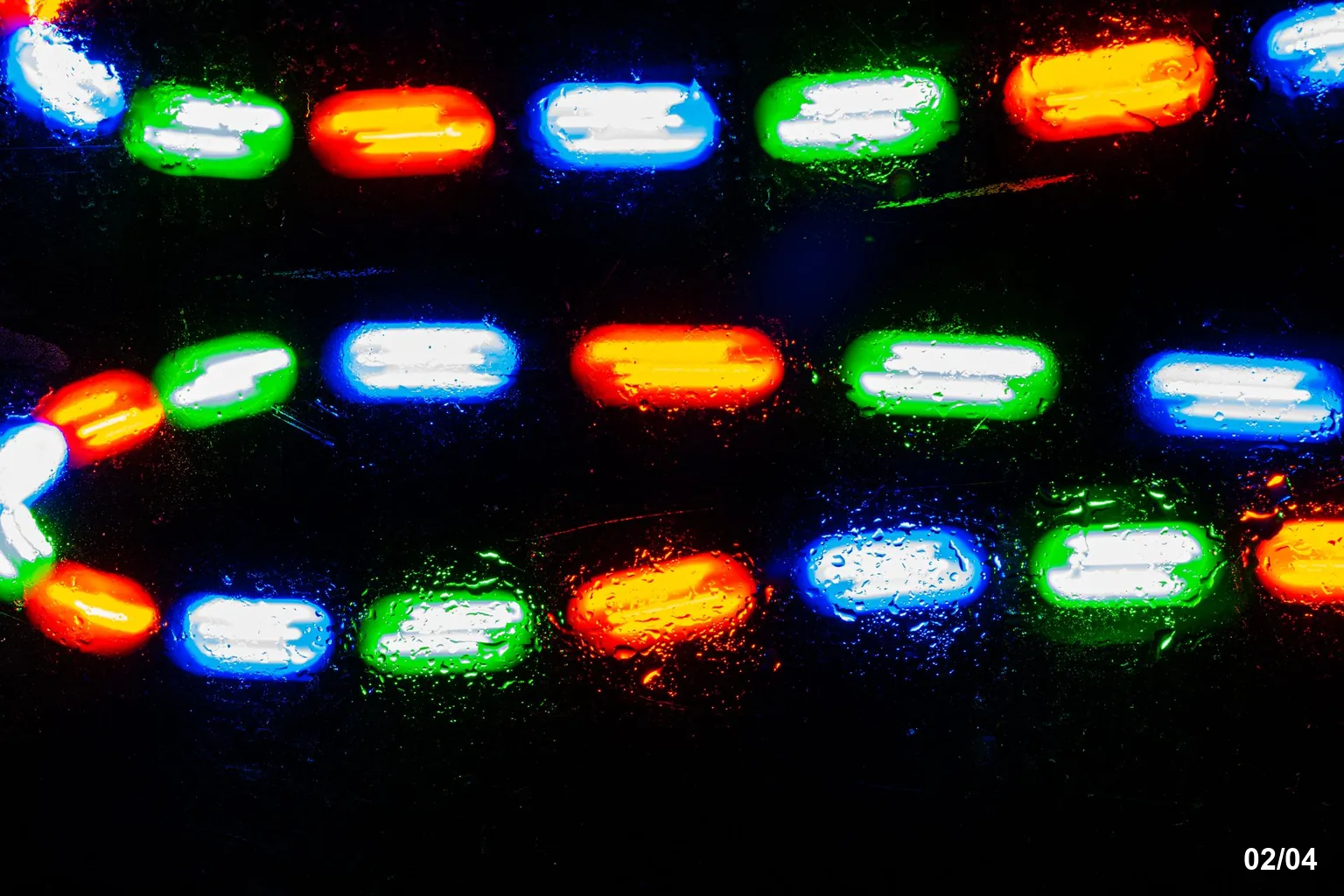
A wrong count leads to a wrong diagnosis, so observe systematically. Move to a dim room where the LED is easy to see, take one normal puff, then watch the full sequence without touching the device: count out loud, note the pause, and repeat twice. Three rapid flashes followed by a two-second pause is different from three slow pulses spread over ten seconds.
Also note when it happens: blinking only while charging suggests the cable or port; blinking when you inhale points to the sensor or atomizer; continuous blinking after a full charge suggests a protection lock or end of life. Write the pattern down before checking your model’s manual — LED legends are much easier to use with a precise count in hand.
Why the same code means different things by brand
There is no shared standard for LED language. Manufacturers choose their own sequences, and even two devices from the same brand can differ. A few broad tendencies are useful:
- CCELL / ceramic pod devices: repeated multi-flash sequences often relate to atomizer resistance or short-circuit protection. Reseating the pod and cleaning the pins fixes many cases.
- Vaporesso and other button-activated kits: a flash group at power-up can signal pod or coil recognition. Their screens, where fitted, usually give a plainer message than the LED.
- Crystal-bar-style and other sealed disposables: blinking tends to mean low charge or end of life rather than a resettable fault. There is no internal repair route.
- Screen-equipped models: plain-language messages are more reliable than counting. If your display shows “Puff Clear”, that is a counter event, not an error — we explain it in our guide to what puff clear means on a vape.
A real-world example: reading a screen-free device
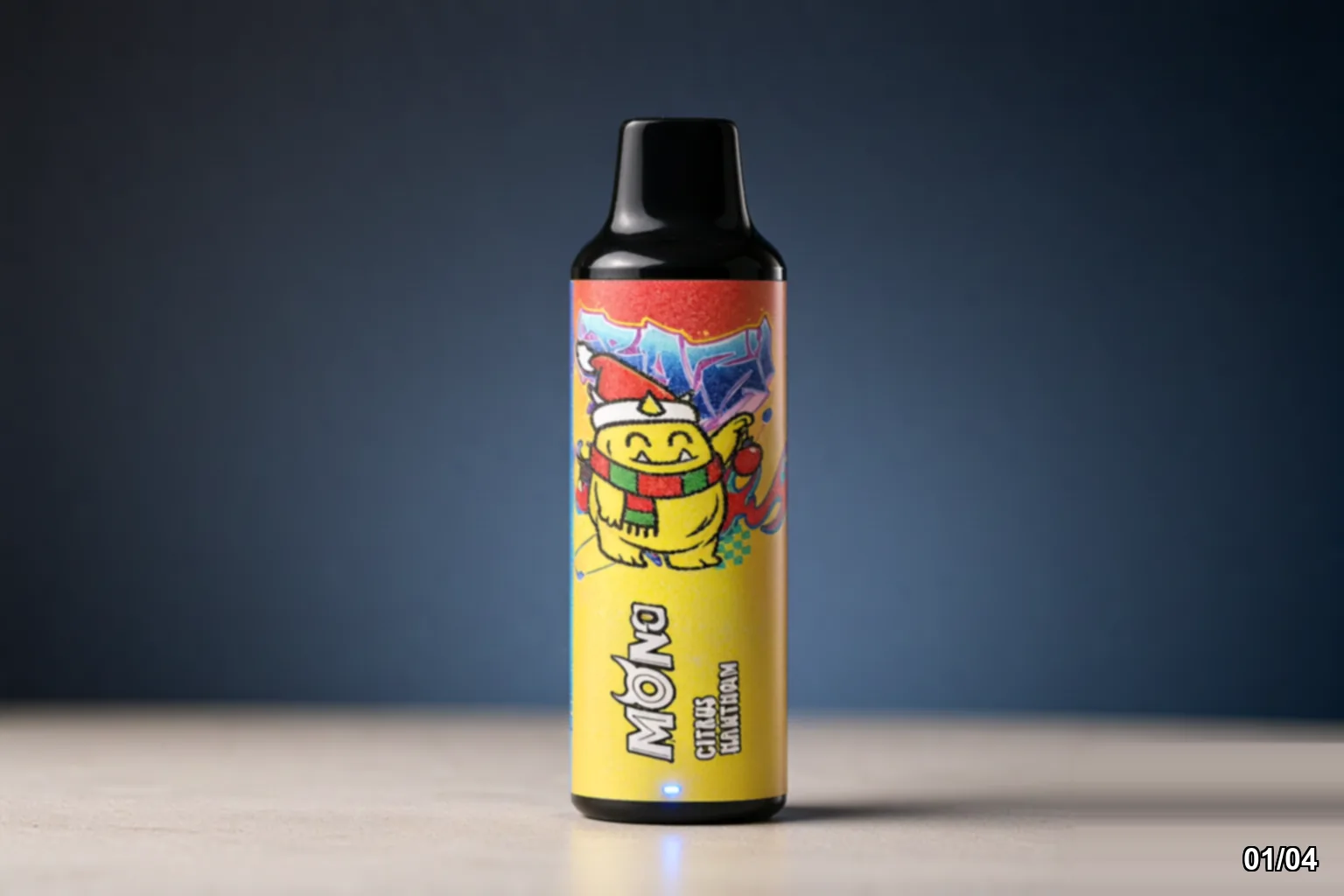
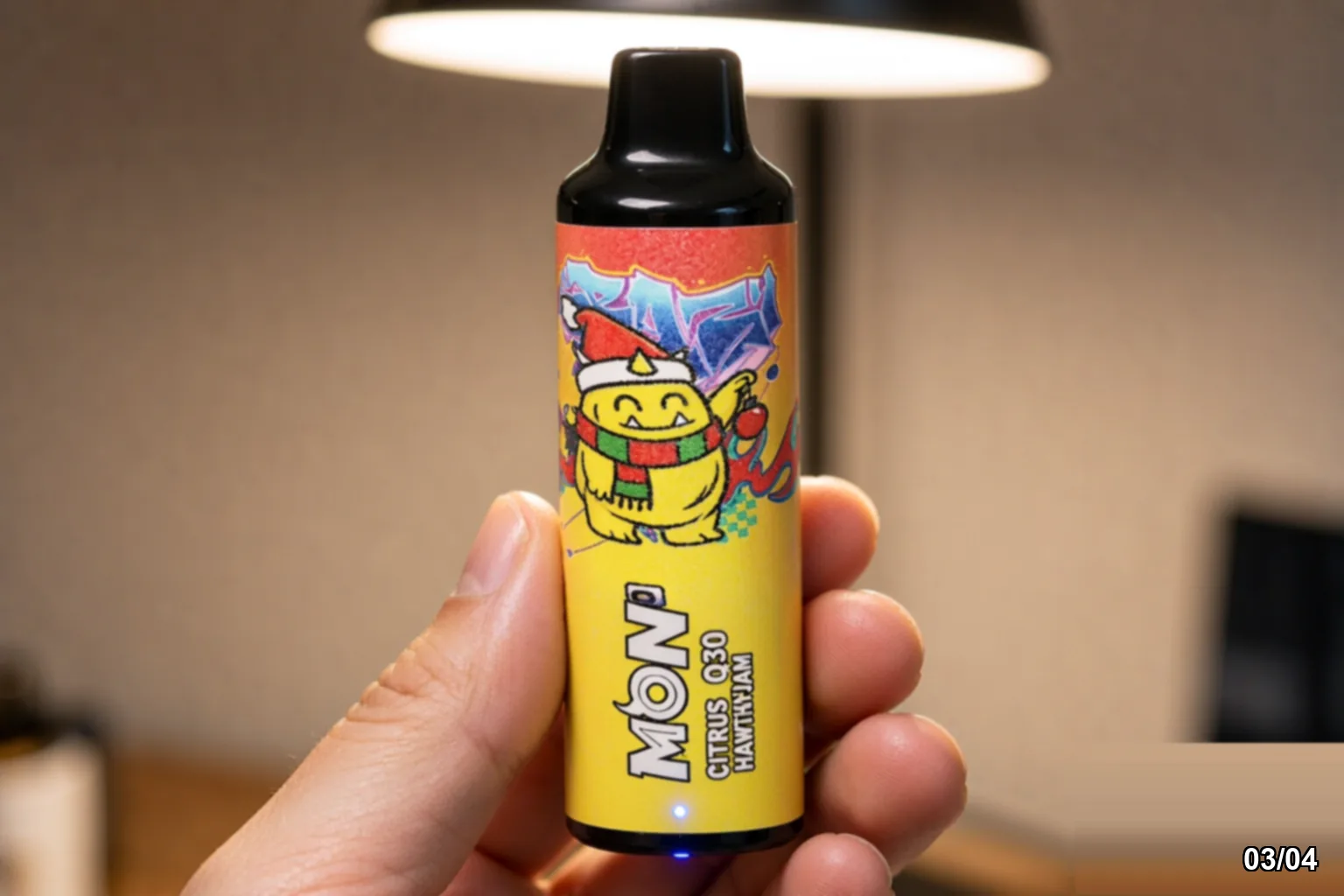
Take the MON Q30 as an example of why pattern matters. It is a slim, tall cylindrical device with a wide black mouthpiece, a colourful cartoon wrap and the vertical MON Q30 mark printed on the body. Because that format has no display screen to print a warning, the light is the only status channel: a brief blink can confirm activation, while a repeated group near the end of a session is the sort of signal you should treat as a low-battery cue and charge rather than ignore.
The same principle applies to any screen-free stick device: learn its normal confirmation blink so a new repeated pattern stands out. Keep the connection area clean and use a reliable USB-C cable, since a weak cable can mimic a low-battery warning. Never open a sealed body to inspect the light — it is designed to be used, charged and recycled as a whole.
Nine safe checks before you replace the device
Work through these in order. Most blinking issues are resolved in the first four steps, and none of them require opening the device.
- Charge fully. Use a known-good USB-C cable and a standard 5V wall adapter. A damaged cable is one of the most common reasons a battery warning will not clear.
- Try a different wall socket and cable. This separates a device problem from a power problem in under a minute.
- Check the port. Look for lint or moisture. Wipe gently with a dry cotton swab; never use a metal pin or liquid cleaner.
- Reseat the pod or mouthpiece assembly. Remove it, inspect for damage, and push it back in firmly so the contacts meet.
- Clean the contacts. A dry swab on the pod pins and device contacts removes the film that causes intermittent five-flash faults.
- Let it cool. If the body feels warm, put it down for ten minutes away from direct sun. Overheat protection normally clears by itself.
- Clear the airflow. Check the air inlet for dust or e-liquid residue; a blocked sensor can trigger odd blink sequences.
- Check the liquid level. On refillable devices, a dry coil can produce repeated protection blinks. Prime a new coil before a long draw.
- Read the model’s LED legend. If the pattern still makes no sense, the manual beats any generic guide. For power-specific problems, our vape not charging safety checks go deeper into cables, ports and temperature.
If you have already worked through those checks and the device still blinks in a repeating fault pattern, our longer why is my vape blinking and not working guide helps narrow down the remaining causes.
When blinking means stop, not troubleshoot
Protection circuits are useful, but they are not a licence to keep testing a failing device. Stop using it immediately if you notice any of the following alongside the blinking:
- Unusual heat in the body or mouthpiece, or a swelling case
- A burning smell, smoke, or liquid reaching the battery area
- Heavy leaking from the mouthpiece or around the base
- A persistent burnt taste that a new pod does not fix
- Continuous blinking after a full charge and clean contacts
For sealed disposables there is no safe internal repair. Remove the device from use, keep it dry and out of direct sunlight, and hand it in at a battery or e-waste take-back point rather than household rubbish. Our guide to where to dispose of vape batteries explains the preparation steps and why the contacts should be protected before transport.
How to make blinking faults less likely
A few habits prevent most of these signals. Charge at room temperature with a certified cable and a modest 5V adapter; extreme temperatures cause false low-charge warnings. Avoid long chain-draws, the fastest route to an overtime cut-off. Keep the device upright so e-liquid does not pool at the sensor, and wipe residue from the mouthpiece and contacts.
Finally, learn the normal behaviour of the device you actually own. A one-second confirmation blink is routine; a repeated group of three, five or ten flashes that appears out of nowhere is the signal worth investigating. Knowing the difference turns a confusing light into useful information — and helps you decide whether to charge, clean, rest, or responsibly replace the device.
Frequently asked questions
What does it mean when a vape blinks 3 times?
Three quick flashes most often mean a low battery or a pod that is not detected. Charge fully with a reliable cable, then reseat the pod or check the mouthpiece area. On many disposables, three flashes at the end of a draw are simply a low-charge warning.
Why does my vape blink 5 times?
Five flashes commonly indicate an atomizer or short-circuit protection trip, especially on CCELL-style devices. Remove the pod, clean and dry the contacts, and refit it firmly. If the pattern returns immediately, stop using the device.
What does 10 blinks on a vape mean?
Ten flashes usually point to an overtime or overheat cut-off, or a reset confirmation on some models. Rest the device for ten minutes and shorten your draws. Ten flashes with heat, swelling or a burning smell means stop using it.
Are vape light codes the same on every brand?
No. There is no industry standard for LED flash patterns. The same sequence can mean different things on different devices, so treat any general guide as a starting point and check the manual for your exact model.
Can I reset a vape that keeps blinking?
Some refillable or screen-equipped devices have a documented counter or factory reset. Sealed disposables have no user-serviceable reset: when the battery or coil reaches end of life, replace the device and recycle the old one properly.
Still seeing the same pattern?
Start with a full charge and a dry contact clean, then match the flash count against your model’s manual. If the signal persists, or the device shows heat or damage, retire it safely instead of forcing another puff. For adult vapers who want a simple screen-free format with a visible status light, the MON Q30 is a good example: slim and cylindrical, wide black mouthpiece, colourful wrap, clear MON Q30 mark, no settings to get lost in. Explore the MONVAPERS range when replacing a spent device — and always recycle the old one.
For adults 21+ only. Contains nicotine, an addictive chemical. Follow your device manual and all local laws. This article is general information, not a substitute for the manufacturer’s instructions.