


If you are asking, “what charger does a vape use?”, the safest answer is to check the instructions for that exact device. A charging port that looks familiar does not confirm which cable, power adapter or charging setup the manufacturer recommends. Devices can have different battery and charging requirements, so do not choose a charger based on appearance alone.
This guide explains what to check before connecting a rechargeable vape, how to distinguish a cable from a wall adapter, and when to stop and ask the manufacturer or seller. If your device is already connected but will not charge, see our separate guide to safe checks for a vape that is not charging.
Start with the device instructions
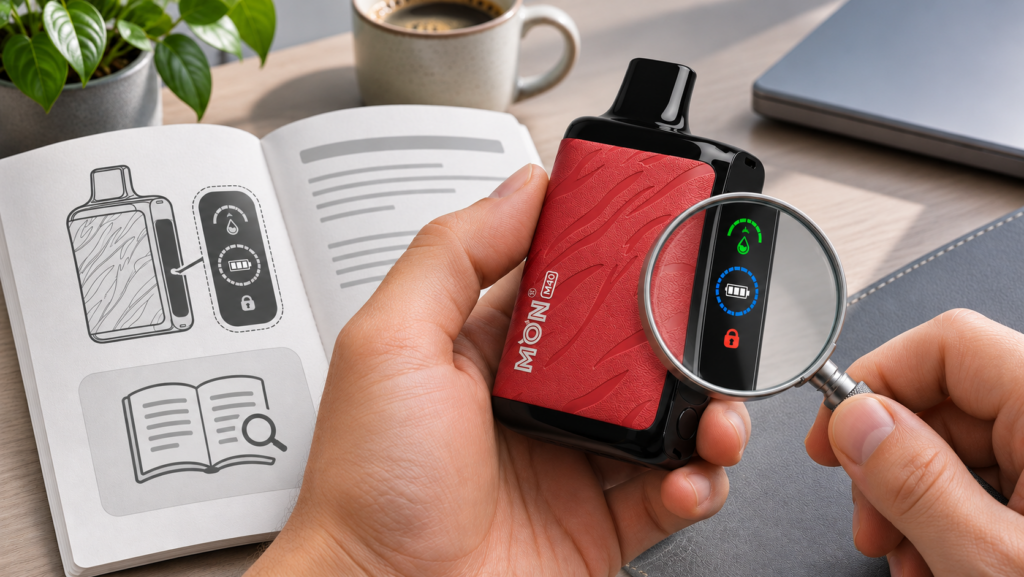
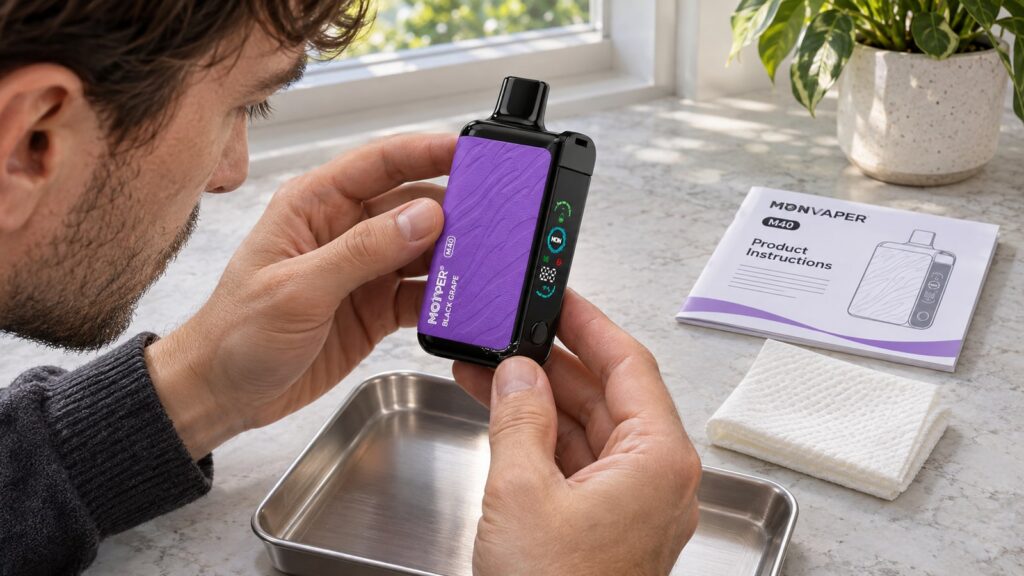
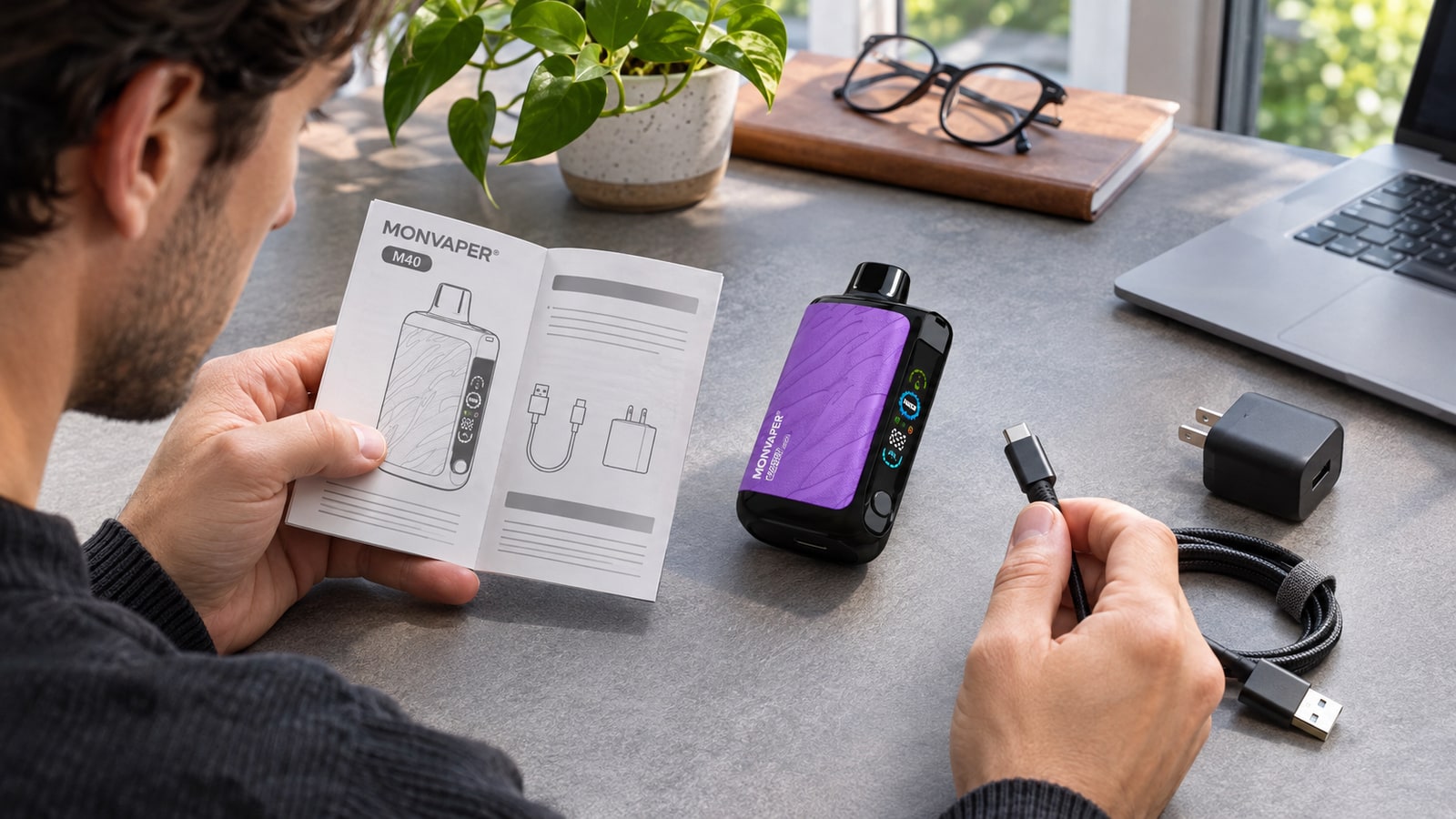
Look for the user manual, quick-start sheet, packaging, or the product page for the exact model and version. Check for a charging section, safety symbols, warnings, or information printed near the charging port. The instructions should identify the approved charging method or explain where to get model-specific support.
Do not assume that instructions for one device apply to another, even if both are from the same brand or have similar-looking ports. A product range can include different batteries and charging specifications. Electrical Safety First notes that battery capacities and charging voltages vary by manufacturer, which is why the correct charger needs to be checked for the particular device.
If the manual is missing, search the manufacturer’s official support pages using the full model name. Confirm that the page matches your specific version. If you cannot find clear instructions, contact the manufacturer or the retailer before charging. Guessing is not a safe substitute for model-specific guidance.
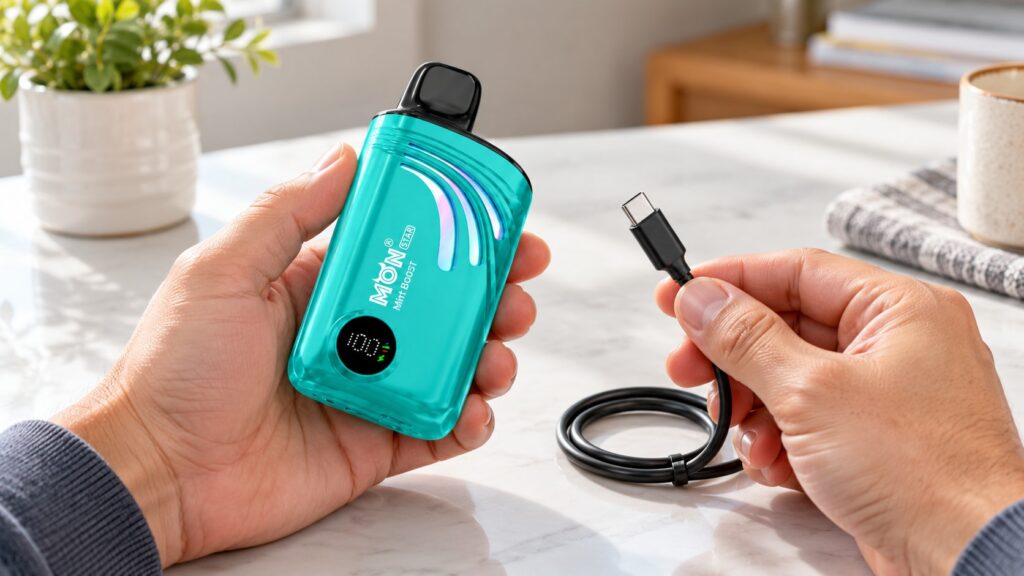
Check the cable and the power adapter separately
People often use “charger” to mean the cable, the wall adapter, or both together. They are separate parts, and checking only one does not confirm that the complete setup is suitable.
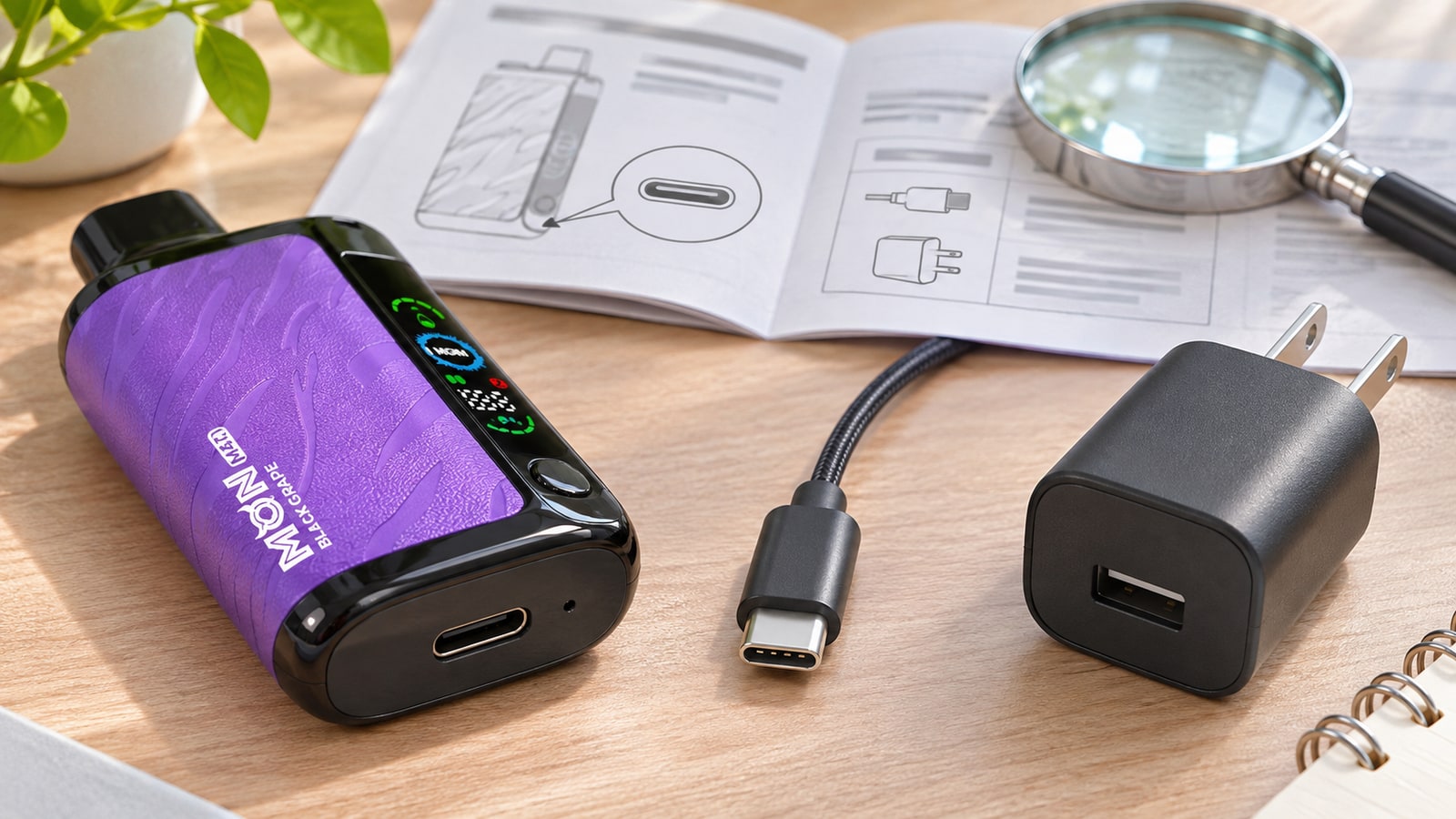
1. Check the cable
Use the cable supplied with the device when the instructions say to do so. Inspect it along its full length. Do not use a cable with exposed wires, crushed sections, bent connectors, scorch marks, or a loose plug. A connector fitting into the port does not prove that the cable is approved for the device.
If the supplied cable is missing or damaged, check the manufacturer’s official replacement guidance. Do not rely only on a product photo, a marketplace listing, or a cable described as “universal.” Confirm that the replacement is recommended for the exact model.
2. Check the adapter
A USB cable may connect to different kinds of power sources, but that does not make every adapter suitable. Read the device instructions and any markings on the adapter. If the manufacturer specifies an adapter or charging limits, follow those details exactly. If the instructions do not state what adapter to use, ask the manufacturer or seller rather than selecting one by guesswork.
Do not infer compatibility from the adapter’s brand, connector shape, or the fact that it charges another device. Likewise, do not assume that a higher-output adapter is appropriate. The manufacturer’s instructions are the authority for that model.
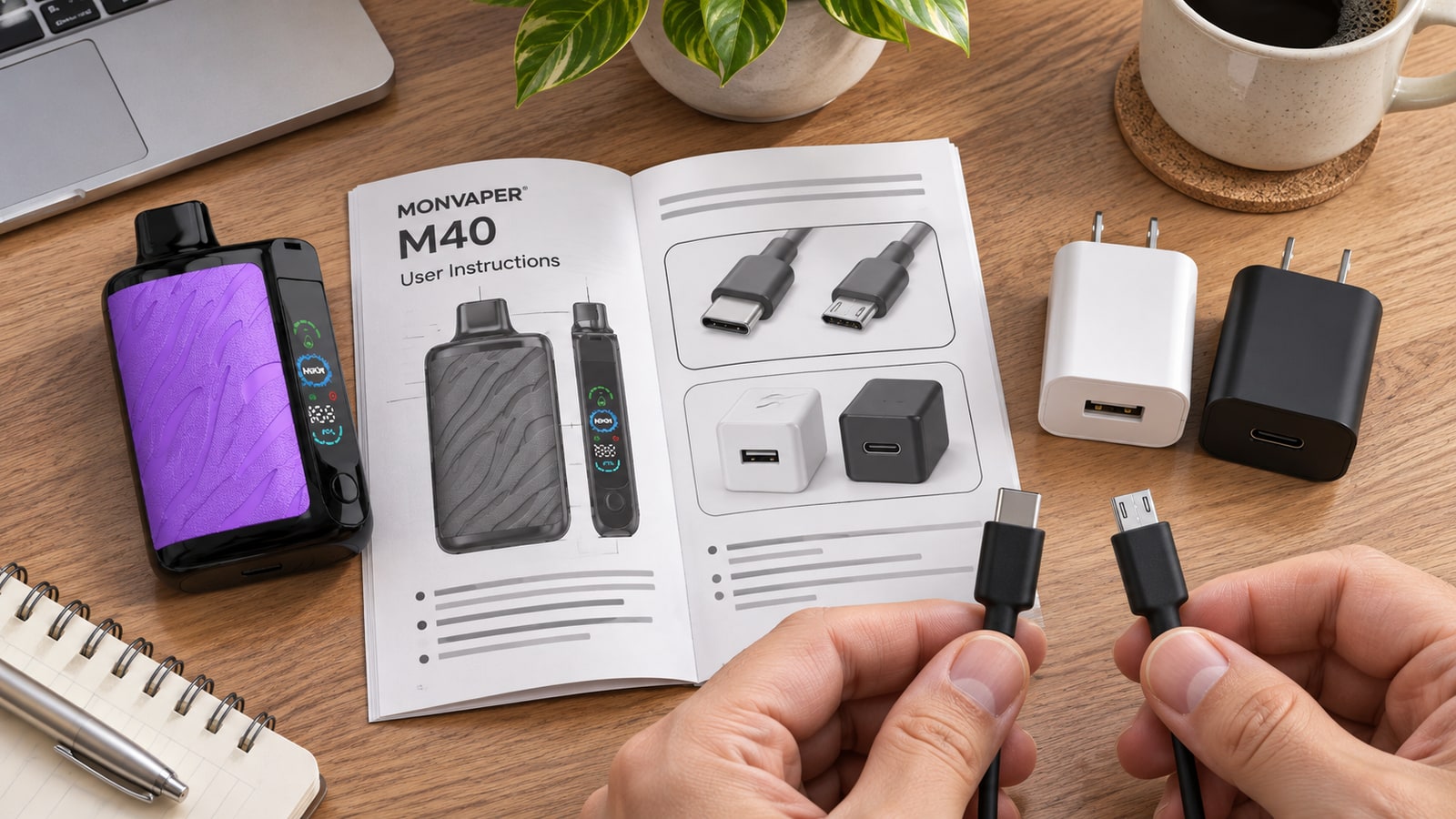
Why a matching port is not enough
USB-C, Micro-USB, and other connector shapes tell you about the physical connection. They do not, by themselves, confirm the charging requirements of the battery or the power source. A port can look identical across products while the manufacturer’s instructions differ.
Before charging, confirm all three parts of the setup:
- The device: exact model and version.
- The cable: supplied with the device or confirmed by the manufacturer.
- The power source: matches the manufacturer’s stated instructions.
If you cannot confirm one of these, pause and look for the correct instructions. Do not experiment with different adapters to see which one appears to work.
Safe steps before connecting a vape
- Read the model-specific charging instructions and warnings.
- Check the device, cable and adapter for visible damage.
- Make sure the charging port is dry and clear. Do not insert metal objects or tools into it.
- Place the device on a stable, uncovered surface away from materials that can easily catch fire.
- Stay nearby and check the device while it charges.
- Disconnect it when charging is complete, following the instructions supplied with that model.
GOV.UK battery-safety guidance advises using the charger supplied with the vape, following the device’s safety information, charging on a clean, flat surface away from flammable materials, and not leaving a vape charging overnight. Electrical Safety First also advises against covering a device while it charges or leaving it plugged in while you are away.
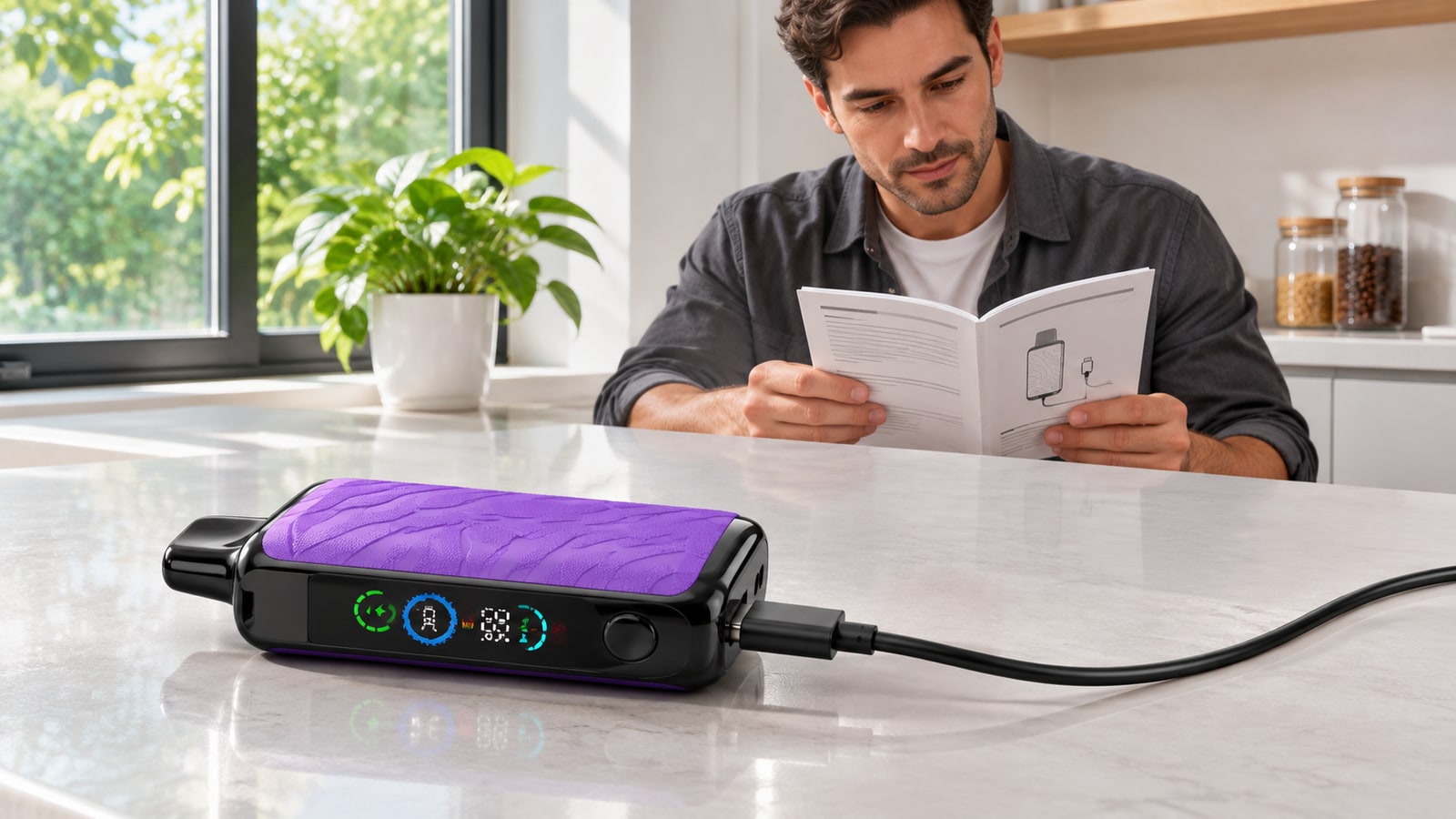
When not to charge the device
Do not connect a device that is wet, leaking, swollen, cracked, crushed, unusually hot, or showing signs of damage around the port. Do not use a frayed cable, a loose connector, or an adapter that smells burnt, sparks, or has scorch marks.
If the device is wet because liquid is escaping from it, keep it disconnected and follow the external checks in our guide to what to do if a vape leaks.
If a device becomes unusually hot, makes unexpected sounds, emits smoke, or behaves abnormally during charging, stop using it and keep clear. Do not open a sealed device, puncture it, or try to repair its battery yourself. Contact the manufacturer or retailer for advice. If there is smoke or fire, move away and contact local emergency services.
For a device that appears intact but still will not charge, use the external checks in our guide to what to do when a vape is not charging. That article covers troubleshooting; this page is about confirming the correct charging setup before you connect anything.
Finding charging information for a MONVAPER model
Check the product listing and the materials supplied with the exact device you own. For example, the MONVAPER M40 product page can help identify the model, but the charging method should still be confirmed against its current instructions and markings. Do not transfer charging details from another MONVAPER model.
If you cannot locate model-specific charging instructions on the product page or packaging, contact MONVAPER support or the retailer before connecting a replacement cable or adapter. Have the full model name and a clear photo of the device markings available so they can identify the right version.
Common charger-selection mistakes
Assuming all USB adapters are interchangeable
A cable fitting a port is not proof that the full charging setup is suitable. Verify the cable and power source against the device instructions.
Choosing by connector shape alone
Connector shape describes fit, not the complete electrical requirements. Check the manual or ask the manufacturer.
Trying several adapters when charging fails
Repeatedly changing adapters can add uncertainty and may hide a damaged port, cable, or battery. Stop and follow a model-specific troubleshooting process instead.
Using a damaged or unverified replacement cable
Do not use a cable with visible wear or one whose suitability cannot be confirmed. Use a manufacturer-recommended replacement.
Leaving the device charging unattended
Stay nearby, keep the device visible and uncovered, and follow the supplied instructions about when to disconnect it. Do not leave it charging overnight or while away from home.
FAQ: What charger does a vape use?
No universal rule applies to every model. Check the user instructions for the exact device and use the supplied or manufacturer-recommended charging setup.
A matching cable or port does not confirm that the adapter is suitable. Check the vape manufacturer’s instructions before using a different power adapter.
No. The connector shape alone does not confirm charging speed or power requirements. Use only the charging information supplied for that exact model.
Check the manufacturer’s official replacement guidance or contact the retailer. Confirm that the replacement is recommended for the exact model before using it.
Electrical Safety First and GOV.UK advise against leaving a vape charging overnight or unattended for long periods. Follow the device instructions and stay nearby while it charges.
Disconnect it if it is safe to do so, stop using it, and keep clear if it is unusually hot or shows other signs of a fault. Do not open or repair the battery. Contact the manufacturer or retailer for advice.
Adult-use notice: This information is for adults aged 21 and over. Keep vaping products and charging equipment away from minors. Nicotine is addictive; follow the product’s warnings and the laws that apply where you live.