


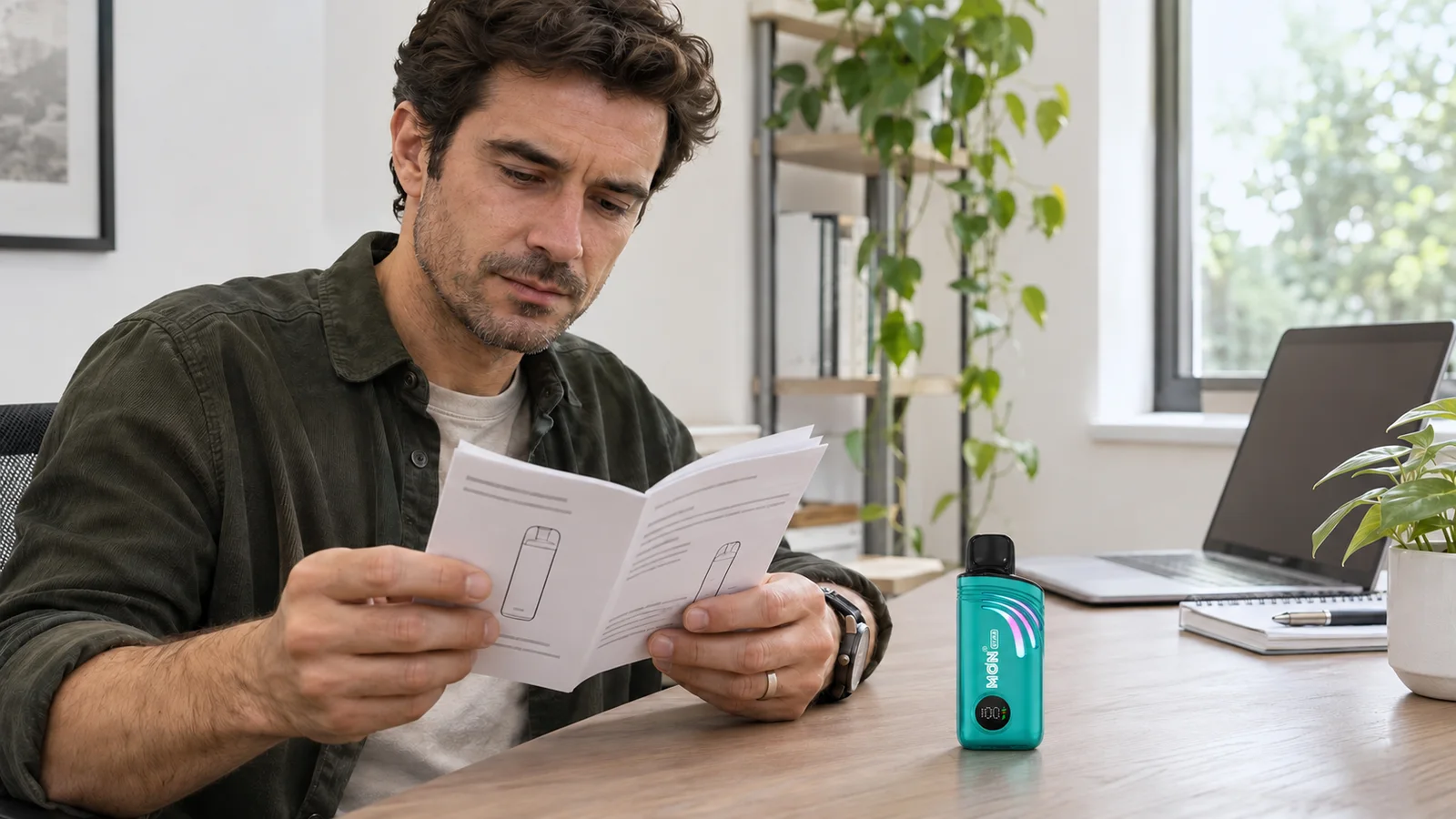
If your vape is blinking but not working, do not assume that a particular flash count has the same meaning on every device. Light colours and blink patterns are model-specific. The safest first step is to identify the exact model and check the instructions supplied with it.
A blinking light may be a status signal, a low-battery warning or an error. It can also appear when a device stops operating because of a fault. This guide covers safe external checks for adults who already use nicotine products. It does not recommend starting or increasing nicotine use.
Why vape blink codes are not universal
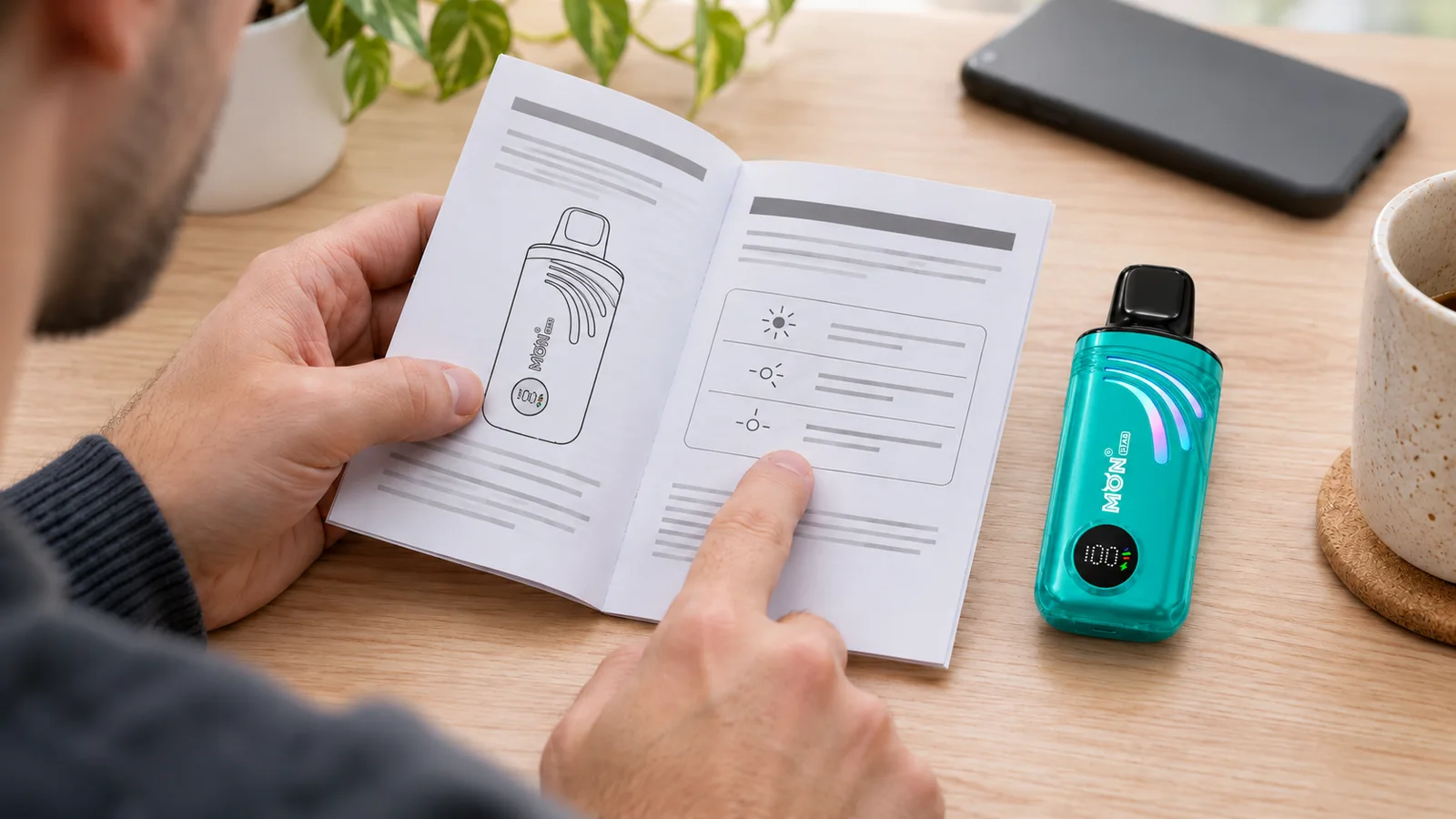
There is no reliable rule that says, for example, “three flashes always means low battery.” The meaning depends on the manufacturer and device model. Some devices use a light to show battery status; others use a repeated pattern to indicate an error or protection state. Devices with screens may show a written message instead.
Official manufacturer information illustrates why checking the exact model matters. VAPORESSO publishes different light patterns for different device models. VEEV NOW has its own documented signals, including patterns that indicate a depleted battery or a device error. These are examples for those specific products only; they should not be applied to another brand.
Before troubleshooting, find the model name on the device, packaging or order record. Then use that model name to locate its official manual or support page. If you cannot identify the model or find a reliable manual, contact the seller rather than guessing what the light means.
What to check when a vape is blinking
1. Note what the light is doing
Without repeatedly activating the device, note:
- The light colour, if it has one
- How many flashes you see
- Whether the light flashes while using, charging or switching the device on
- Whether the screen shows a message or symbol
- Whether the device produces any aerosol
- Whether it is unusually warm, leaking or visibly damaged
These details can help the seller or manufacturer identify the issue. A short video may also help, as long as you do not continue testing a device that is hot, damaged or leaking.
2. Read the instructions for the exact model
Check the user guide, packaging or official manufacturer support page. Look for a section called “LED indicator,” “device status,” “troubleshooting” or “error messages.” Follow only instructions written for that model and version.
Do not use a blink-code chart from another brand as a substitute. Similar-looking devices can use different indicator patterns, and one model’s normal status signal may be another model’s fault warning.
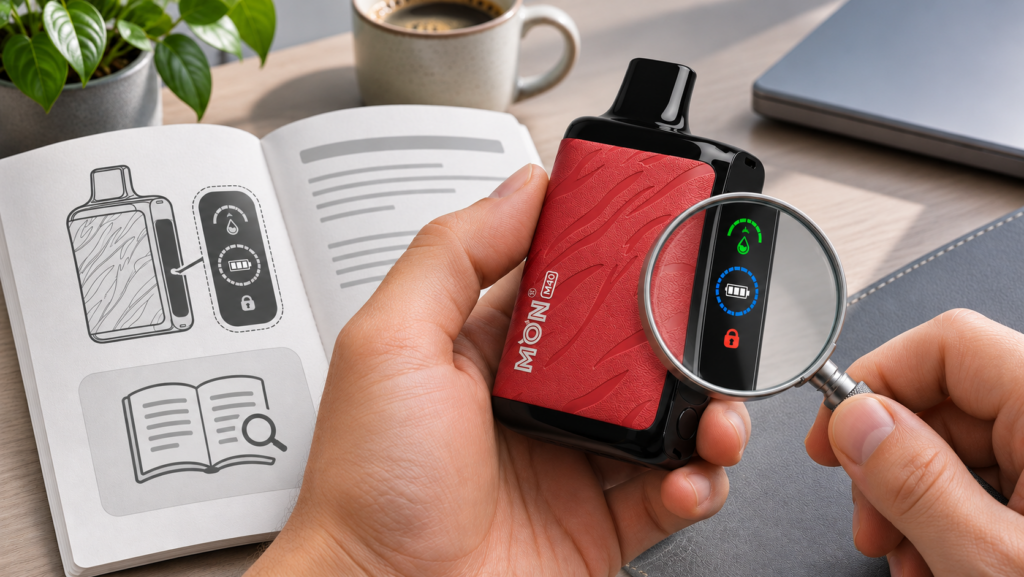
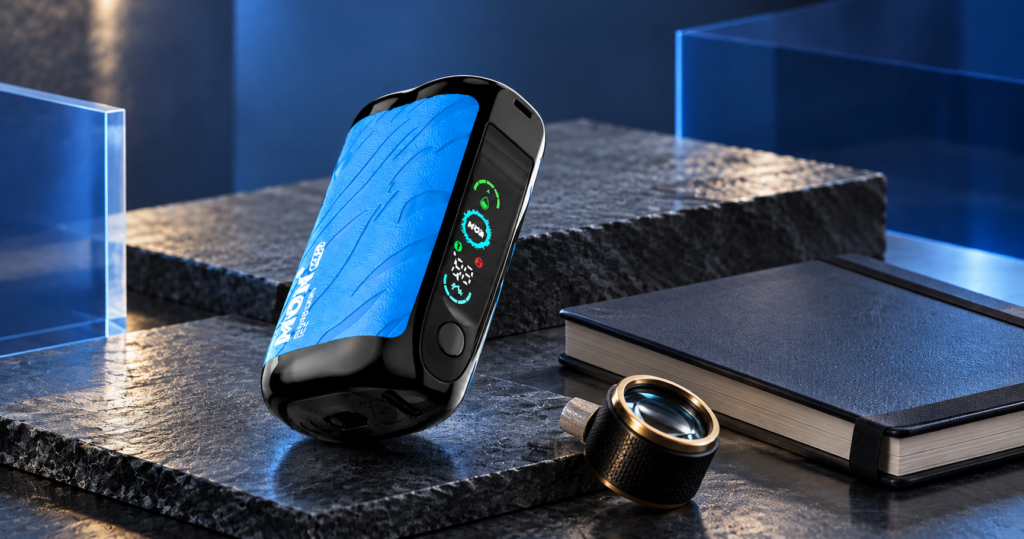
If you use a device with a screen, treat its display as model-specific too. For example, the MONSTAR 50K battery and e-liquid indicator guide explains how to read that product’s battery and e-liquid indicators. It is not a universal guide to other devices’ screens.
3. Inspect the outside of the device
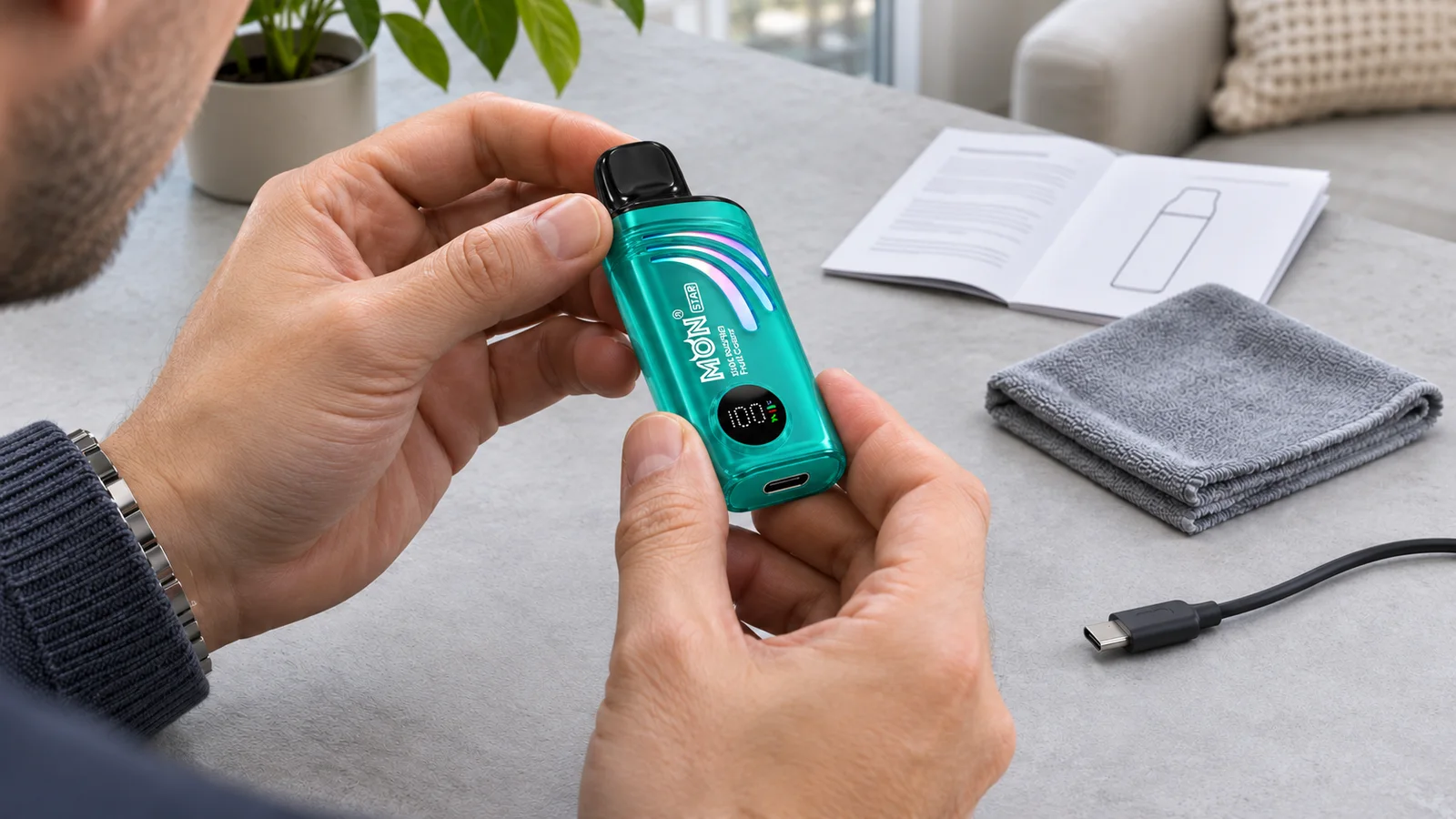
With the device disconnected from any charger, check the exterior for:
- Cracks, dents or a loose casing
- Liquid around the mouthpiece, charging port or device body
- Swelling or an unusual shape
- Unusual heat, smell, sound or smoke
- A damaged cable or charging connector
Do not open the casing, insert tools into openings or attempt an internal repair. If the device is wet, damaged, swollen, leaking or unusually hot, stop using it and do not charge it. Contact the seller or manufacturer for model-specific advice.
4. Check charging only if the manual says the device is rechargeable
A blinking light while connected to a charger does not automatically mean the device is charging correctly. Check the instructions for the exact model before trying again. Do not use a damaged cable, force a connector or leave a device charging if it is getting unusually hot.
If the vape does not charge or its indicator behaves abnormally during charging, stop the attempt and review our safe checks for a vape that will not charge. Do not keep reconnecting a device that is damaged, wet or overheating.
5. Do not keep activating it to “reset” the problem
Repeatedly pressing buttons, taking repeated puffs, striking the device or bypassing a safety feature can make a fault harder to assess and may create additional risk. Do not try an internet “reset trick” unless it is explicitly included in the instructions for your exact model.
If the device keeps blinking after the checks described by its manufacturer, stop using it and contact the seller. If it is sealed or disposable, do not open or refill it unless its manufacturer explicitly states that it is designed for that.
Common situations and the safer response
It blinks while you try to use it
Check the model manual for the meaning of that exact signal. If the device is otherwise undamaged and the manual describes a routine status message, follow its instructions. If the signal is not documented, the device produces no aerosol, or the problem continues, stop using it and ask the seller.
It blinks while charging
Use the charging method and accessories specified in the device instructions. Stop charging if the device becomes unusually hot, smells abnormal, leaks or shows visible damage. Do not leave a device unattended when charging if its instructions advise against it.
It blinks after a long period of use
The light may be indicating a status or protection condition, but the meaning depends on the model. Do not assume that the device simply needs more frequent or longer use. Check the manual and stop if the device’s taste, temperature, appearance or behaviour has changed abnormally.
The device blinks and tastes burnt or chemical
Stop using it. Do not increase the power, take longer puffs or try to force more liquid from the device. A burnt, chemical or metallic taste is not a reliable way to diagnose a specific fault, but it is a clear reason not to continue testing the device.
The device is blinking but looks damaged
Do not use or charge it. Keep it away from heat and from children or pets, and contact the seller or manufacturer. Follow local guidance for returning or disposing of a damaged electronic device and battery.
When to stop troubleshooting
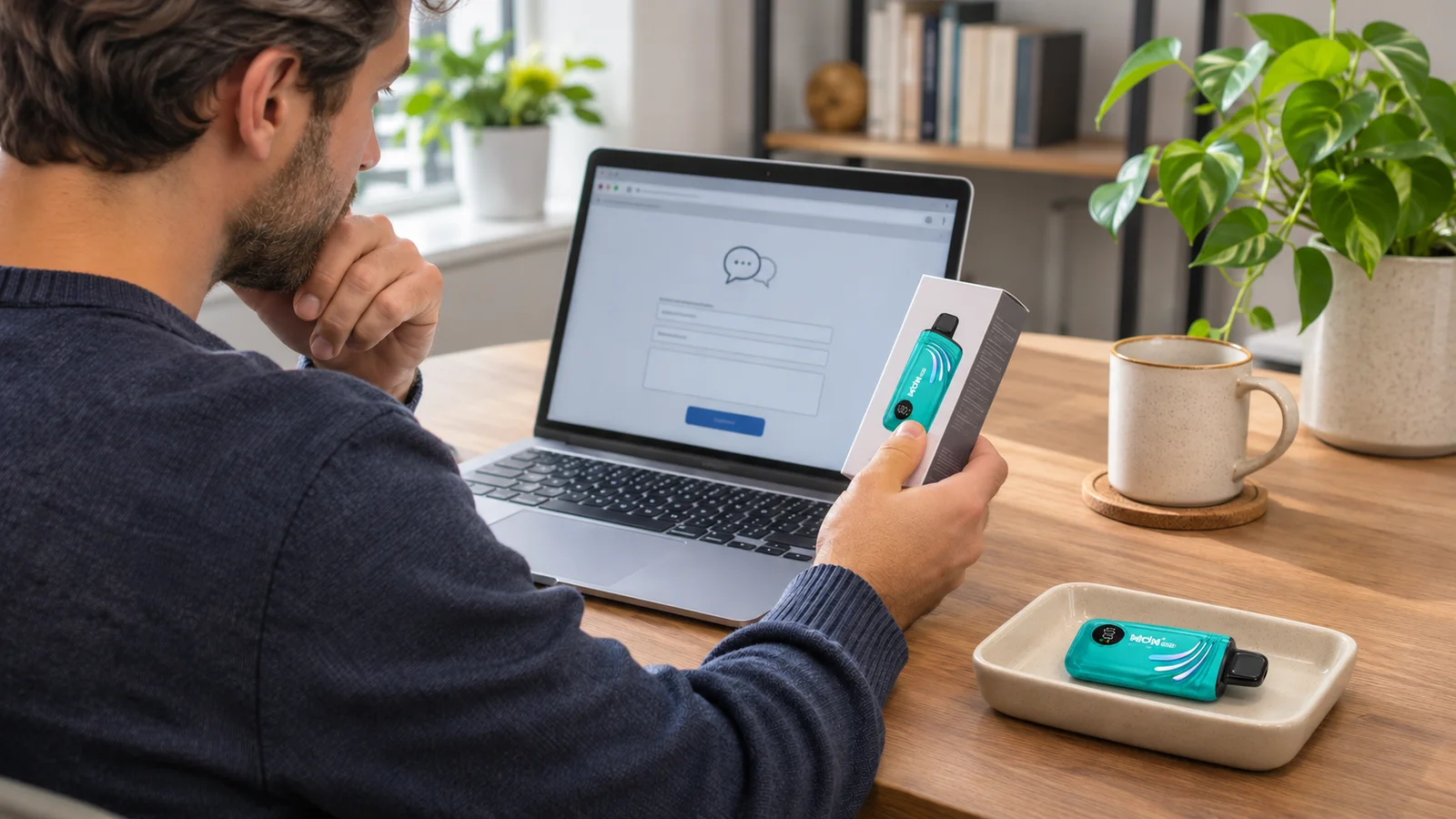
Stop and seek advice from the seller or manufacturer if:
- The light pattern is not explained in the model instructions
- The device continues blinking after the manufacturer’s recommended checks
- It will not charge or operate normally
- It is leaking, swollen, cracked, unusually hot or giving off an unusual smell
- The mouthpiece, charging port or casing is damaged
- You are unsure whether it is safe to continue
If a device is smoking, on fire or heating rapidly, do not handle it. Move away, warn others nearby and contact local emergency services.
Frequently Asked Questions
The light may indicate a status message, a low battery or a device error. The meaning differs between models. Check the manual for the exact device and stop using it if it is damaged, hot, leaking or behaving abnormally.
There is no universal meaning. The same number of flashes can mean different things on different models. Use the manufacturer’s instructions for your exact device rather than a general online chart.
It may be showing a status or error, but the pattern is model-specific. Note when it happens, check the user guide and do not repeatedly activate the device if the signal is unexplained or the device behaves abnormally.
Only if the device is designed to be rechargeable and its instructions say charging is appropriate. Do not charge a device that is wet, leaking, damaged, swollen or unusually hot.
No. Do not open a sealed device or attempt an internal battery or electronic repair. Contact the seller or manufacturer for advice.
No. Manufacturers use different light patterns and display messages. Even models from the same brand may use different codes. Always check the exact model’s instructions.
Final checklist
If your vape is blinking and not working, identify the exact model, check its official instructions and inspect only the outside of the device. Do not assume that a flash count has a universal meaning. Stop using and charging a device that is damaged, leaking, swollen, unusually hot or producing an abnormal taste.
This information is for adults aged 21 and over who already use nicotine products. Nicotine is addictive. If you do not use nicotine, do not start. Keep nicotine products away from children and pets.
Sources
Related guides
Blinking often overlaps with charging and power problems. If the light appears when you plug it in, read safe checks for a vape that will not charge. If the taste also seems off, why a vape tastes weak or different walks through the likely causes.
To understand the indicator pattern on one specific model, the STAR 50K battery and liquid indicator guide explains each state. For a reliable, rechargeable device with a clear display, see the MON STAR 50K.