


If your vape is not charging, it can be tempting to keep reconnecting the cable or try several different adapters. Pause first. A charging problem may come from a damaged cable, a blocked or wet port, a drained battery, or a fault inside the device. The safest checks are simple and external. Do not open a sealed device or try to repair its battery.
This guide explains what to check when a rechargeable vape is not charging, when to stop troubleshooting, and when to contact the seller or manufacturer. Charging connections and requirements differ between models, so always follow the instructions supplied with your device.
First, check for signs that mean “stop”
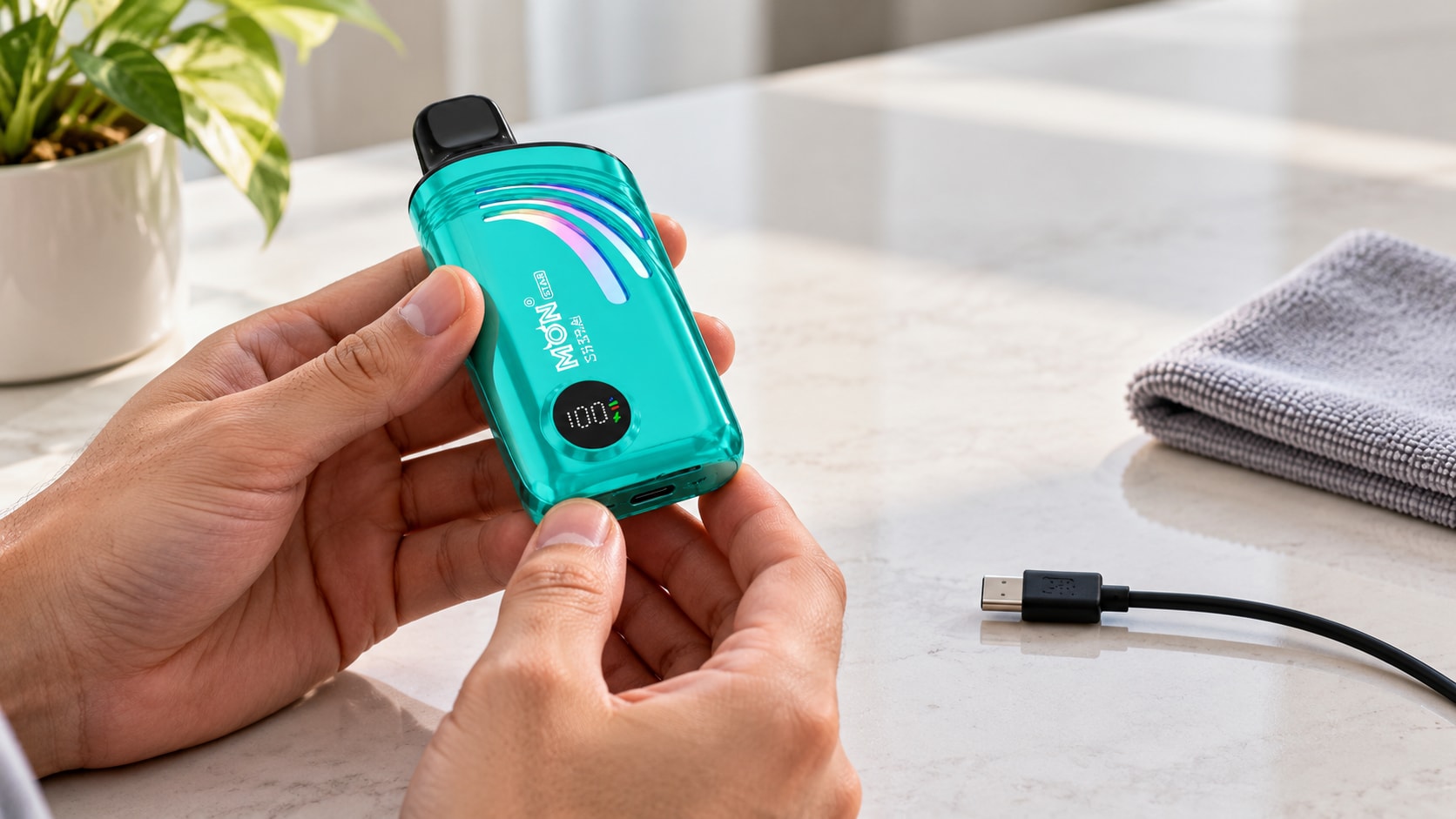
Before connecting a cable, look over the device. Do not charge or use it if you notice:
- A swollen, cracked, crushed or badly dented casing
- Liquid around the charging port or inside the device
- Unusual heat, a strong smell, hissing, smoke or repeated automatic activation
- A charging port that appears loose, bent or damaged
- A cable or connector with exposed wires, scorch marks or other damage
If the device is hot, smoking or making unusual sounds, move away from it and keep other people clear. Do not handle, squeeze, puncture or dismantle it. If there is smoke or fire, leave the area and contact emergency services.
A device that still lights up is not necessarily safe to charge. If it has been wet, leaking or physically damaged, stop and ask the seller or manufacturer for model-specific advice.
Check the charging cable and power source
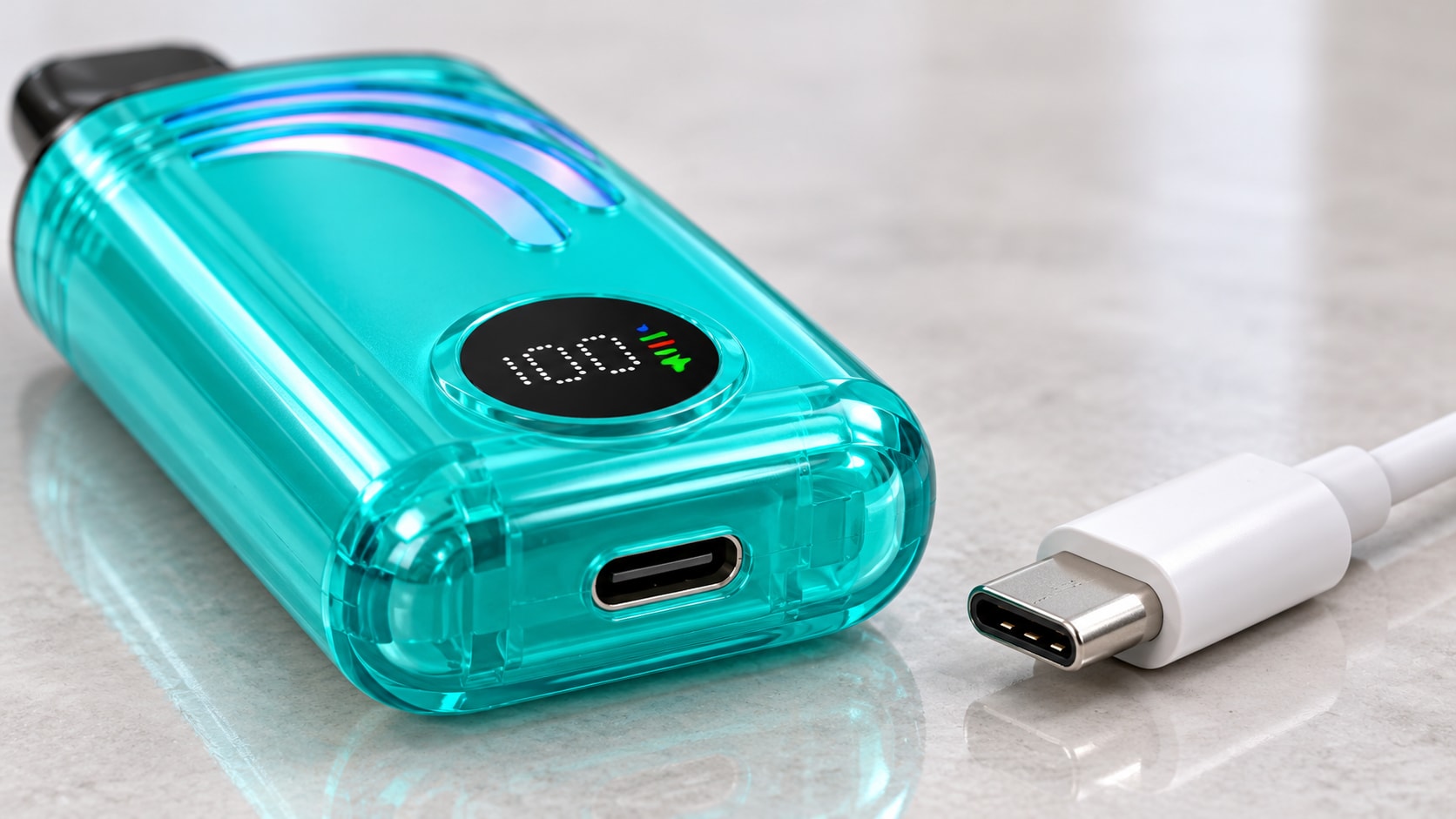
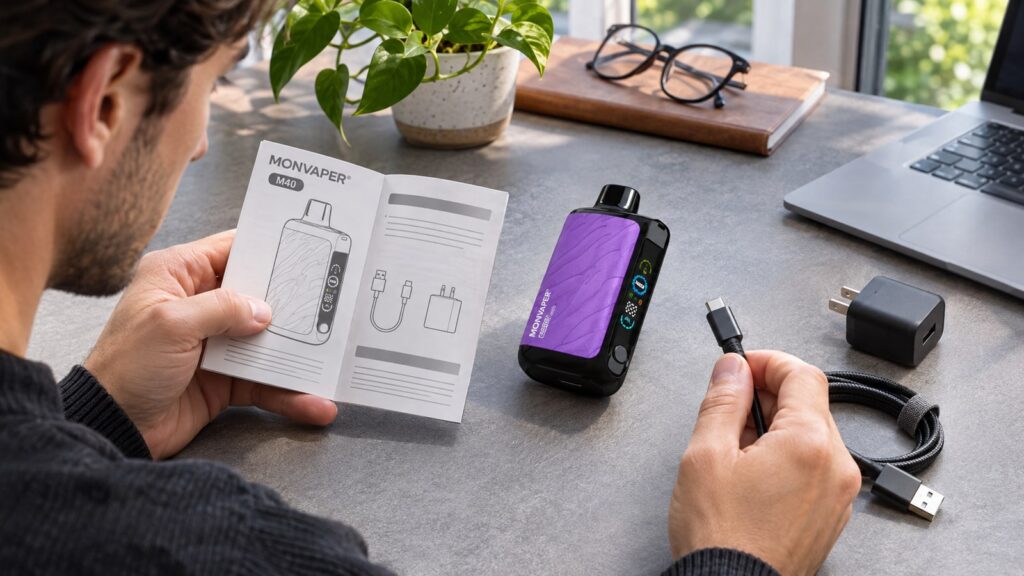
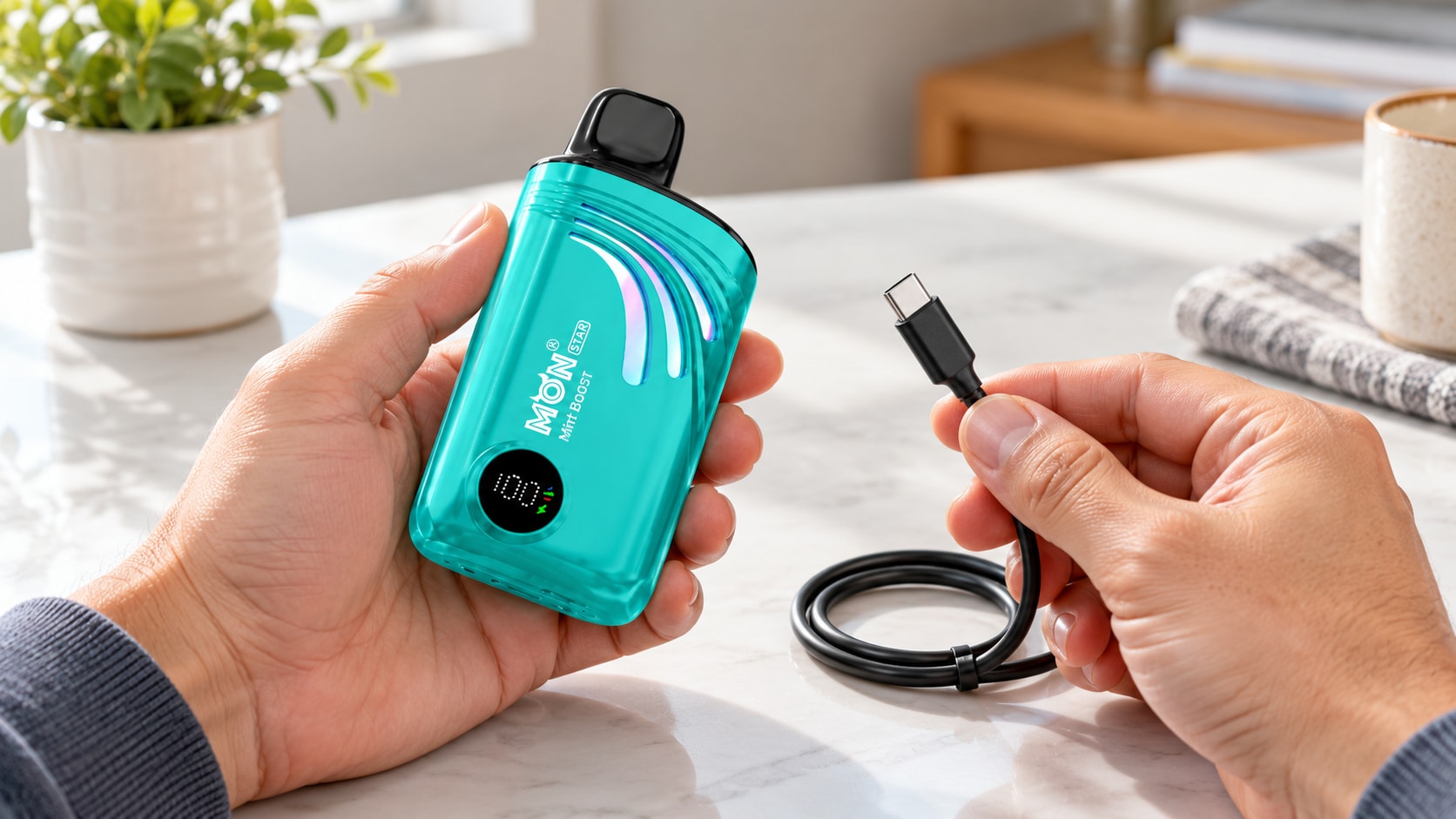
If the device looks undamaged and dry, check the vape charging cable and power source externally.
- Disconnect the cable from the device and power source.
- Look for fraying, bent connectors, scorch marks or looseness.
- Check whether the cable is the type recommended for your device.
- If the instructions allow it, try a compatible, undamaged cable and power source.
- Stop if the connection feels loose, needs force, becomes hot or behaves abnormally.
Do not assume that every USB cable or adapter is suitable. The required charging method can vary by model. Avoid using damaged, unbranded or improvised charging equipment. UK safety guidance recommends following the supplied instructions and using the charger or charging method recommended for the device.
Never force a connector into the port. If the cable only works when held at an angle, the port or connector may be damaged. Do not wedge the cable in place or keep adjusting it while power is connected.
Inspect the charging port without probing it
With the device unplugged, look at the charging port under good light. Check for visible liquid, lint or debris. Do not insert pins, metal tools, toothpicks or other objects into the port. Do not pour cleaning liquid into it or use a hair dryer or heater to dry it.
If the vape charging port is not working or looks wet, leave the device unplugged and contact the seller or manufacturer for advice. Do not charge a device that may have liquid inside. External inspection cannot confirm that its internal electronics are dry.
If you see debris but cannot remove it safely without inserting something, do not attempt a deeper clean. A damaged port can make charging unreliable and may create a short-circuit risk.
Give a deeply discharged device one cautious check
A device that has been unused for a long time may show no immediate response when connected. Do not leave it plugged in for a long period to see whether it recovers. Follow the model’s instructions for charging duration and check the device while it is charging.
If it remains unresponsive, becomes unusually warm, smells odd or shows any other abnormal sign, unplug it if safe to do so and stop. Do not repeatedly connect and disconnect it, leave it charging overnight or try to revive it by opening the casing.
Electrical Safety First advises users to follow the manufacturer’s instructions, avoid charging unattended or overnight, and stop using damaged charging equipment.
What do the lights or screen mean?
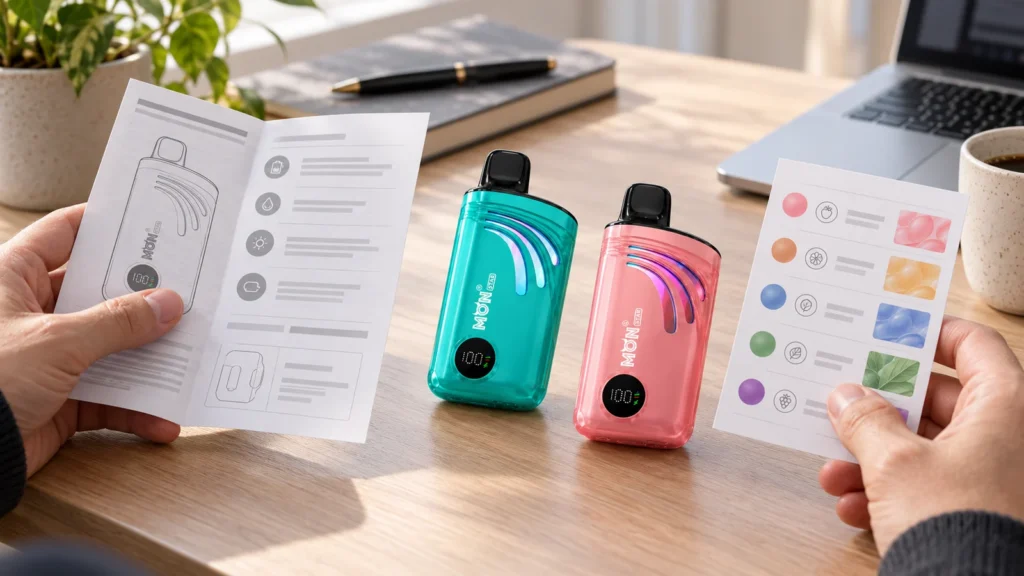
Some rechargeable devices show a light or screen while connected; others may display charging information differently. A light that does not appear is not enough on its own to diagnose the problem. The indicator’s meaning depends on the model.
Check the packaging and user guide for your specific device. For example, the MONSTAR 50K battery and e-liquid indicator guide explains the model’s available indicators.
Do not apply one model’s display instructions to a different device. If an indicator flashes in a way that the manual does not describe, or the screen behaves unusually, stop troubleshooting and contact the seller. Do not treat a display as proof that the battery is safe.
Common reasons a vape will not charge
The cable is damaged or incompatible
A cable may look intact but still fail. If the instructions permit, compare with another compatible cable. Do not use a cable with a loose connector, exposed wiring or heat damage.
The power source is not suitable
A device may not respond to every power source. Check the product instructions for the specified method. Avoid guessing at voltage or using adapters that the manufacturer has not recommended.
The port is wet, blocked or damaged
Moisture, debris or a loose port can interrupt the connection. Do not probe or dismantle the device. If the port appears damaged or wet, leave it unplugged and ask for help.
The battery or internal electronics have failed
If the cable and power source are suitable but the device still will not charge, the fault may be internal. A sealed vape is not designed for a user to replace or repair its internal battery. Contact the retailer or manufacturer about warranty, return or safe disposal options.
The device has been exposed to impact, liquid or extreme conditions
A drop, leak, water exposure, strong heat or severe cold may affect charging. If any of these occurred, do not keep testing the device. Follow the manual or seek model-specific advice.
When should you stop troubleshooting?
Stop and contact the seller or manufacturer if:
- A compatible cable and power source do not resolve the problem
- The device becomes unusually warm during charging
- The port is loose, wet or visibly damaged
- The device has leaked, been dropped hard or exposed to water
- The indicator shows an error you cannot confirm in the manual
- Charging repeatedly starts and stops
Explain what happened, what cable or power method you used, and whether the device shows any warning. Do not send a damaged device through the post until the seller or carrier has told you how to handle it safely.
For liquid around the device, see our guide to what to do when a vape leaks after a flight. If liquid has reached the charging port, do not connect it to power while seeking advice.
Avoid these unsafe “fixes”
Do not:
- Open a sealed vape or try to replace its internal battery
- Use a knife, pin or metal tool to clean the charging port
- Force a connector or tape it into position
- Charge a device that is wet, leaking, swollen, cracked or unusually hot
- Leave a device charging overnight or unattended
- Use an unknown adapter because it happens to fit
- Put the device in a freezer, oven or on a heater
- Keep retrying a device that smells, hisses, smokes or heats abnormally
A charging problem is not a reason to bypass the device’s protections. If it cannot be charged using the method in its instructions, treat it as a possible fault.
How to charge more safely next time
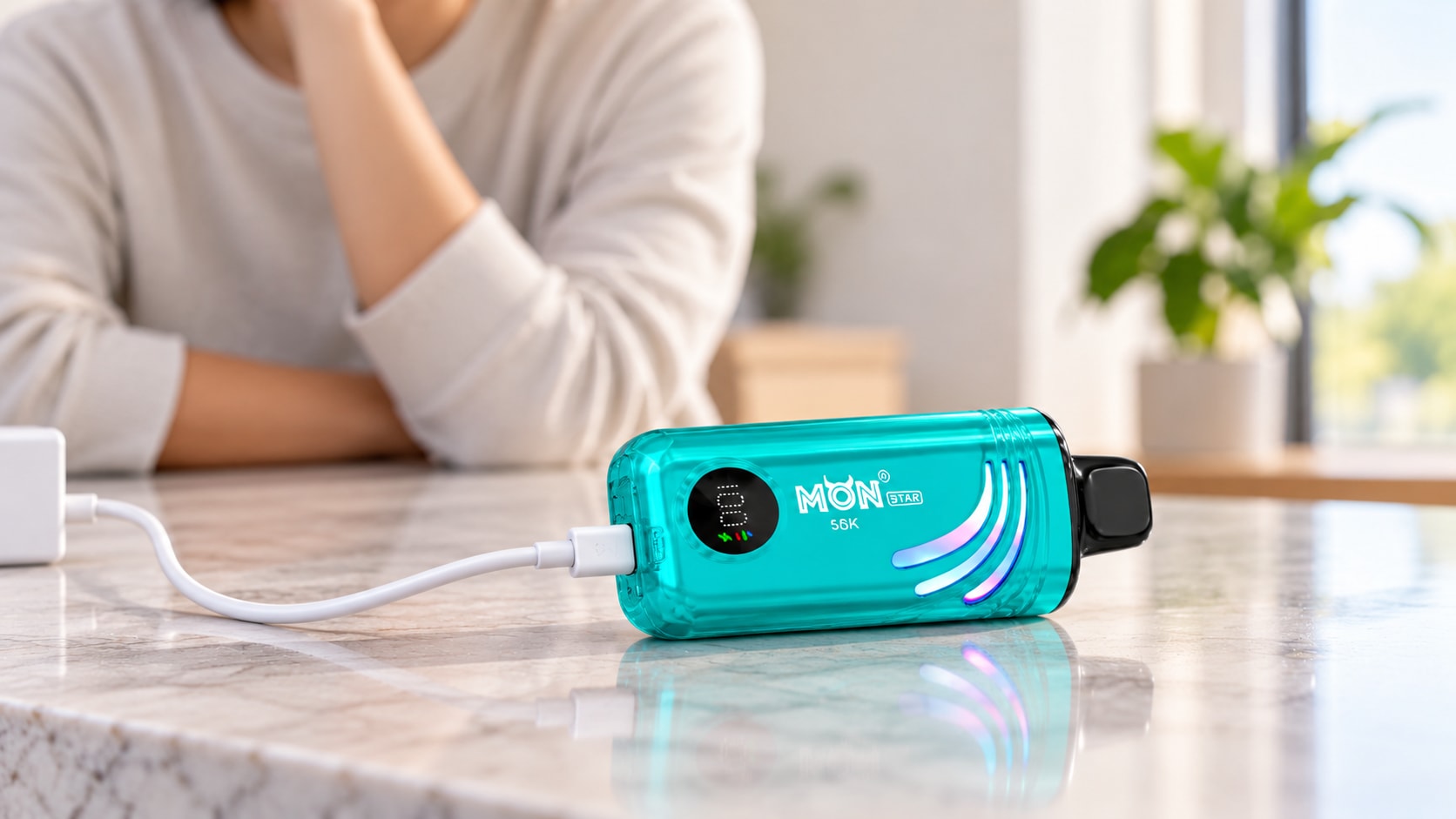
Use the charging method stated in the device instructions. Charge on a clear, stable surface where you can see the device. Keep it away from bedding, paper, clothing and other materials that could catch fire. Do not cover it, and disconnect it when charging is complete.
Keep the device and cable away from water, extreme temperatures and physical damage. Store it separately from coins, keys and other metal objects that could damage the port or cause accidental contact. For more model-specific information, review MONVAPER user guides and device information.
Frequently asked questions
The device may not be receiving power, the cable may be unsuitable, or the model may not show a light in the way you expect. Check the manual and inspect the cable and port externally. If it remains unresponsive, contact the seller.
No. Use the cable and charging method recommended for your model. A connector that fits does not confirm that the cable or power source is suitable.
Follow the manufacturer’s instructions and do not leave a vape charging unattended or overnight. Unplug it when charging is complete.
No. Do not insert pins or metal tools into the port. If it looks blocked or damaged, leave the device unplugged and ask the seller or manufacturer for advice.
Stop charging. If it is safe, disconnect it and move away from flammable materials. Do not continue testing a hot device. If it smokes or catches fire, leave the area and contact emergency services.
Do not charge it if liquid is around the port or may have entered the device. Leave it unplugged and seek advice from the seller or manufacturer.
Final reminder
When a vape is not charging, check the cable, power source and port only from the outside and only as allowed by the instructions. Do not open the device or keep trying if it is wet, damaged, hot or behaving abnormally. If the simple checks do not solve the problem, contact the seller or manufacturer.
21+ only. Nicotine is addictive. Do not start using nicotine because of this article. Keep nicotine products away from children and pets.
Sources
- UK Government: Take charge of battery safety when using e-cigarettes
- Electrical Safety First: Vapes and e-cigarettes safety guidance
Related guides
Charging problems are closely tied to warning lights and battery behaviour. If your device flashes instead of charging, see why a vape blinks and stops working. To read what the screen or lights are telling you, the STAR 50K indicator guide explains each state.
If a device leaked before it stopped charging, why a vape leaks after a flight covers pressure-related causes. When it is time to replace the device, our Germany vape disposal guide explains the 2026 take-back rules.