



Adult use only. Keep vaping products away from children. Nicotine is addictive.
If your MONVAPER M40 has stopped responding, it may simply be locked. The M40 uses a five-click child safety lock designed to reduce accidental activation while the device is being stored or carried.
The quick answer is simple: press the control button five times in rapid succession. The same five-click action can be used to lock the M40 again.
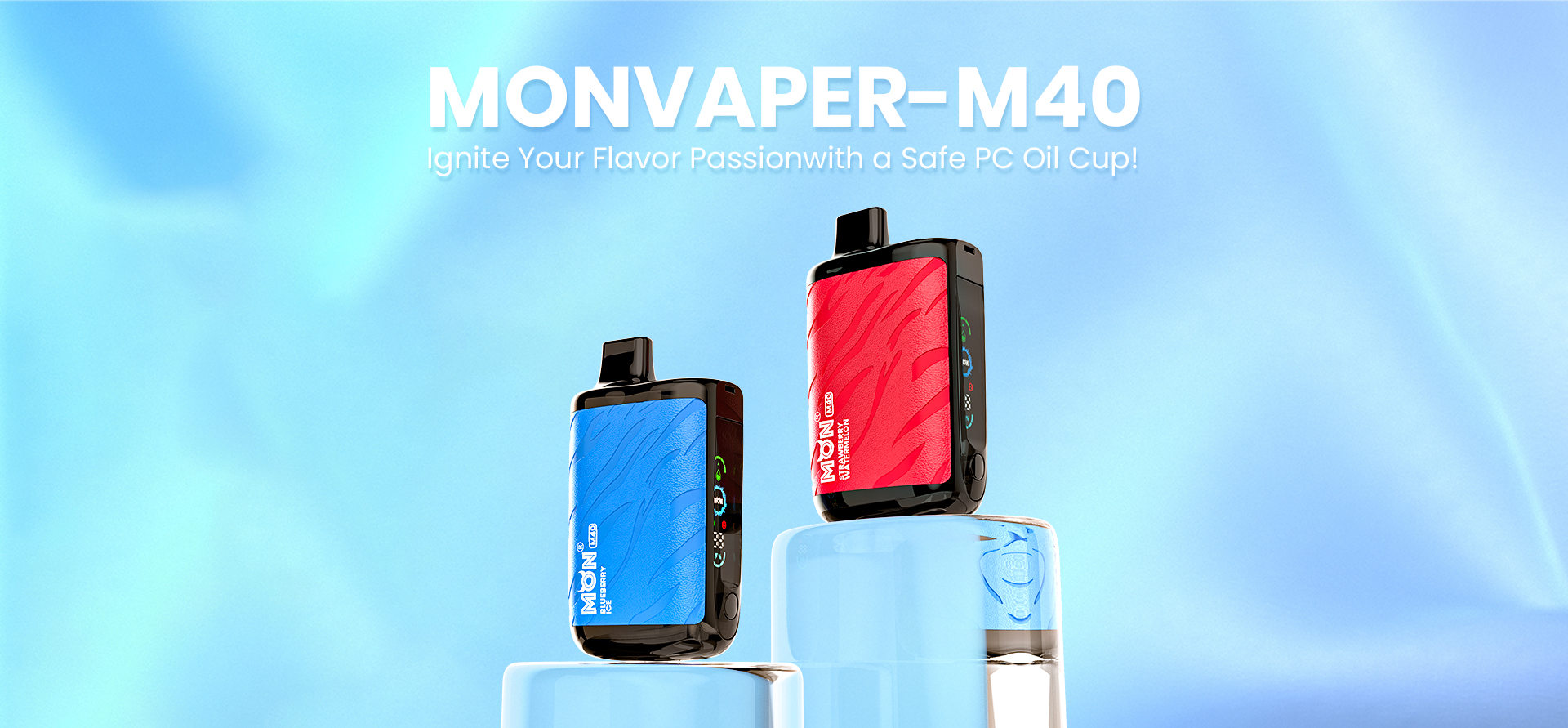
Quick answer: unlock the M40 in five clicks
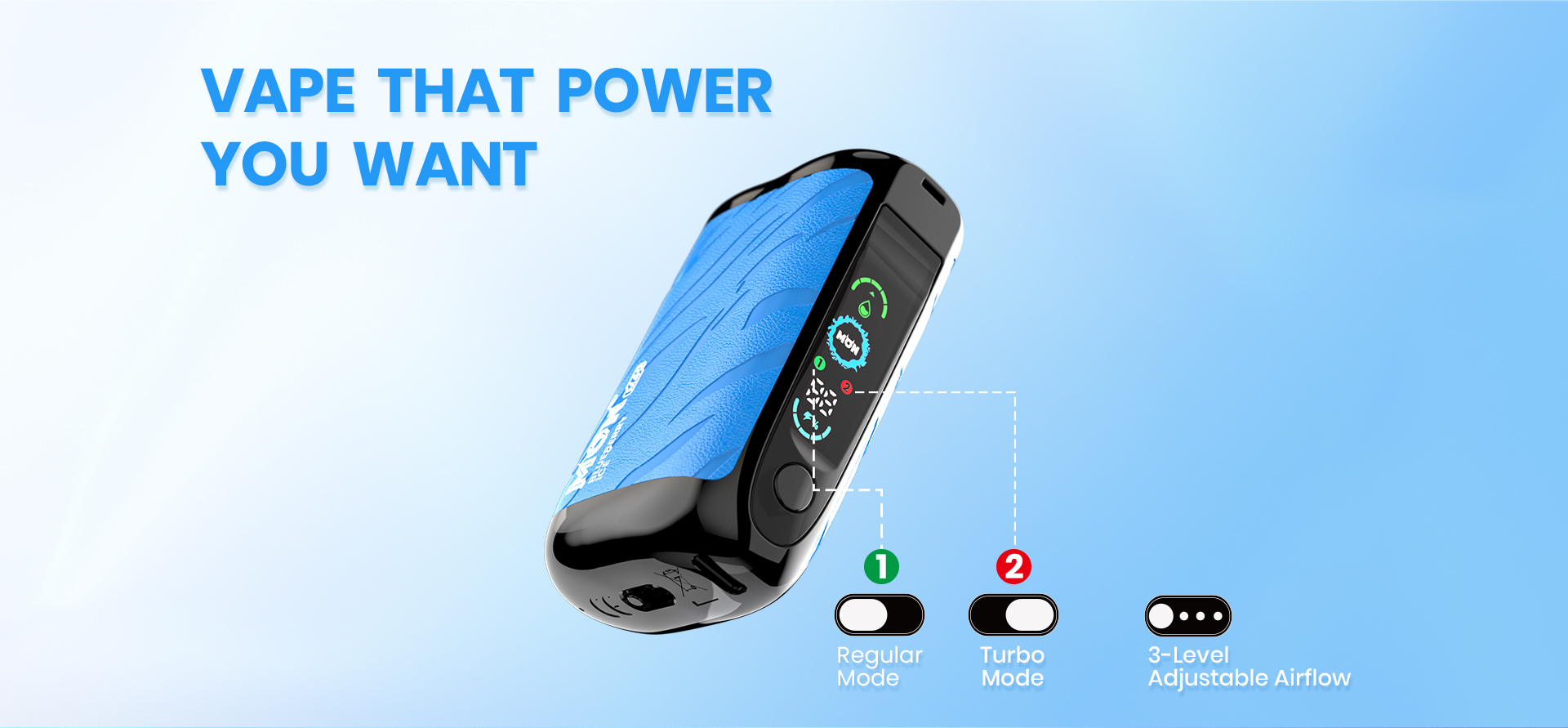
To unlock your MONVAPER M40:
- Locate the control button on the side of the device.
- Press it five times quickly and evenly.
- Watch the display for a response.
- After the device confirms the change, try using it normally.
The five presses need to be close together. If the clicks are too slow, the M40 may treat them as separate commands rather than an unlock sequence.
To lock the device again, repeat the same five quick presses.
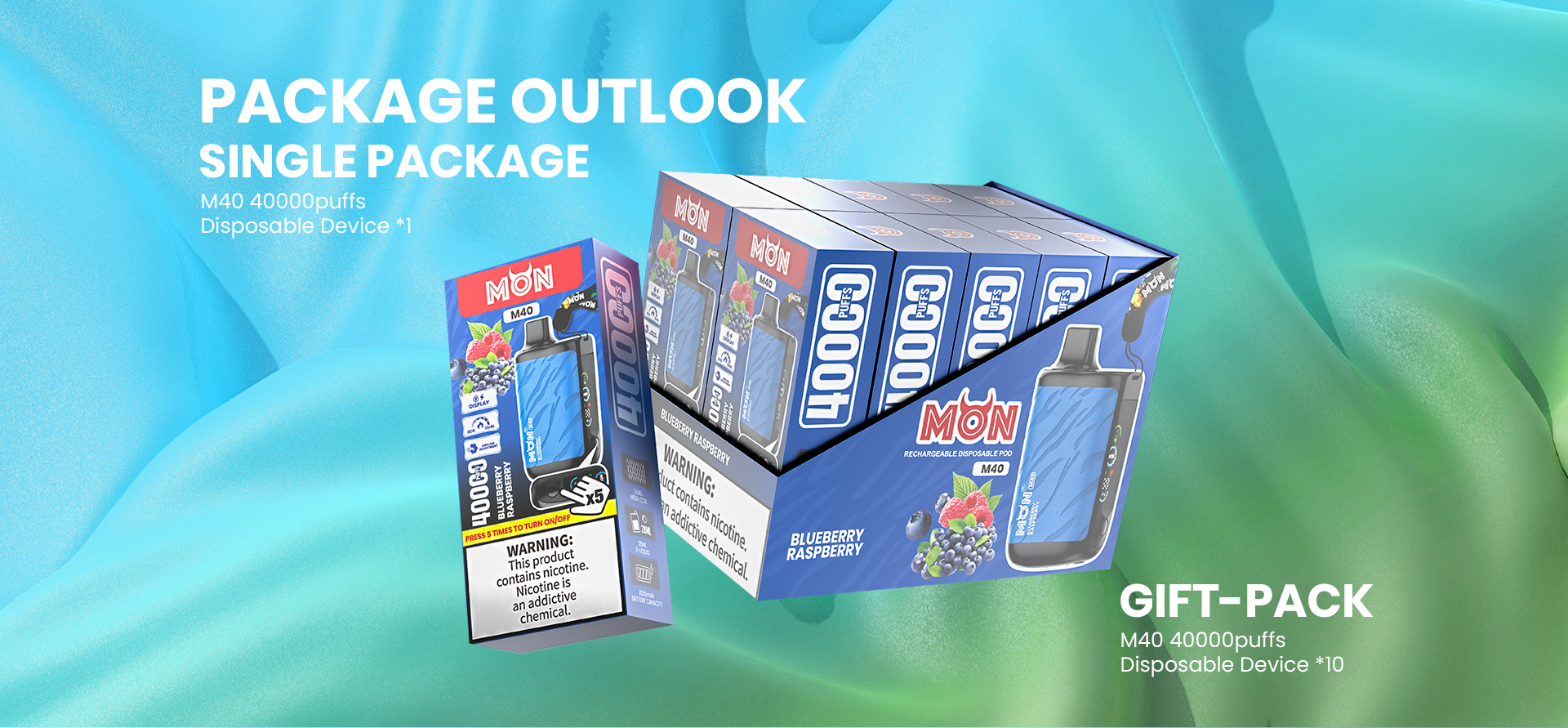
Why does the MONVAPER M40 have a child lock?
The lock helps prevent the device from being activated accidentally while it is in a pocket, bag or storage area. It is useful when the M40 is not being used, but it does not replace responsible storage.
Always keep the device somewhere children cannot see or reach it. Locking the controls is an additional precaution, not permission to leave the product unattended.
How can I tell whether my M40 is locked?
A locked M40 may appear unresponsive during normal use even though the battery still has power. The screen may react when the control button is pressed, but the device will not operate normally until it is unlocked.
If the display shows battery information but the device does not respond as expected, try the five-click sequence once. Do not keep pressing random combinations, because other button sequences may control power or operating settings.
A completely blank screen does not always mean the child lock is active. It could also indicate a depleted battery, a charging problem or a damaged device.
What to check if five clicks do not unlock the M40
Five clicks sounds simple, but most unsuccessful attempts come down to timing or battery level. Work through these checks in order.
1. Try the sequence again at a steady speed
Press the control button five times quickly without pausing between clicks. Avoid holding the button down. Each press should be short and deliberate.
2. Check the battery display
If the battery is depleted, the device may not have enough power to respond to the unlock command. Connect it to a suitable Type-C charging cable and check whether the screen shows a charging response.
Disconnect the cable before testing normal operation again.
3. Inspect the button
Make sure the control button is not stuck, obstructed or visibly damaged. Do not use sharp objects or excessive force to press it.
4. Check the screen and e-liquid indicator
The M40 display provides battery and e-liquid information. If the battery has charge but the e-liquid indicator shows no remaining liquid, unlocking the controls will not restore normal use.
5. Stop if the device appears damaged
Do not continue using or charging the M40 if it is leaking, unusually hot, swollen, cracked or producing an unusual smell. Do not dismantle the device or attempt to reach the internal battery.
Contact the retailer or customer-support channel with your order number and clear photos of the device.
Does unlocking change the M40 power or airflow settings?
The five-click child-lock command is used to change the locked or unlocked state. The M40 also offers adjustable power and airflow controls, but these are separate functions.
After unlocking, check the display and your selected settings before use. If something looks different, refer to the full M40 guide instead of repeatedly pressing the controls.
Lock the M40 before storing it
When you have finished using the device:
- Press the control button five times quickly.
- Confirm that the device has entered its locked state.
- Store it upright in a dry place away from heat.
- Keep it completely out of the reach of children and pets.
Do not leave the M40 charging unattended, and do not store it in direct sunlight or inside a hot vehicle.
Frequently asked questions
How many times do I press the M40 button to unlock it?
Press the control button five times quickly. Slow or widely spaced presses may not be recognised as the unlock command.
Does the same command lock the M40 again?
Yes. Repeat the same five-click sequence to return the device to its locked state.
Why is my MONVAPER M40 still not working after five clicks?
The battery may be depleted, the clicks may have been too slow, the control button may be damaged, or no e-liquid may remain. Check the display and charging response before contacting support.
Can I bypass the child lock if the button is damaged?
No. Do not open the device, bridge electrical contacts or attempt to bypass its safety controls. Stop using a damaged device and contact the retailer or customer-support channel.
More MONVAPER M40 information
Read the complete MONVAPER M40 User Guide for display, charging, power-mode and airflow information.
View the MONVAPER M40 product page for current product details, flavours, pricing and availability.
Explore the MONVAPER Brand Center to compare M40, Q30, K30 and MONSTAR models.
Written by JOHN
Reviewed using MONVAPER product information and operating instructions
Last updated: 2 October 2026