


MONVAPER M40 User Guide
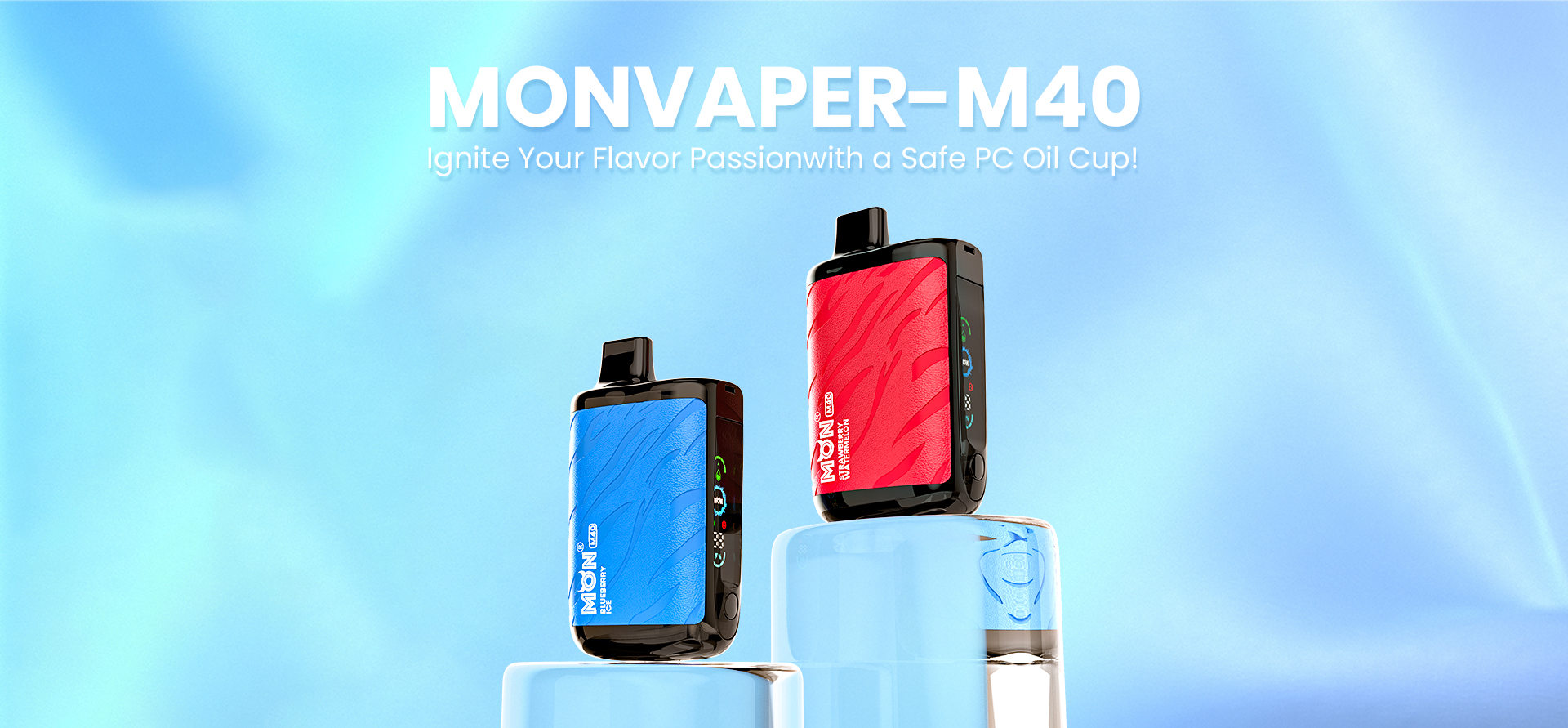
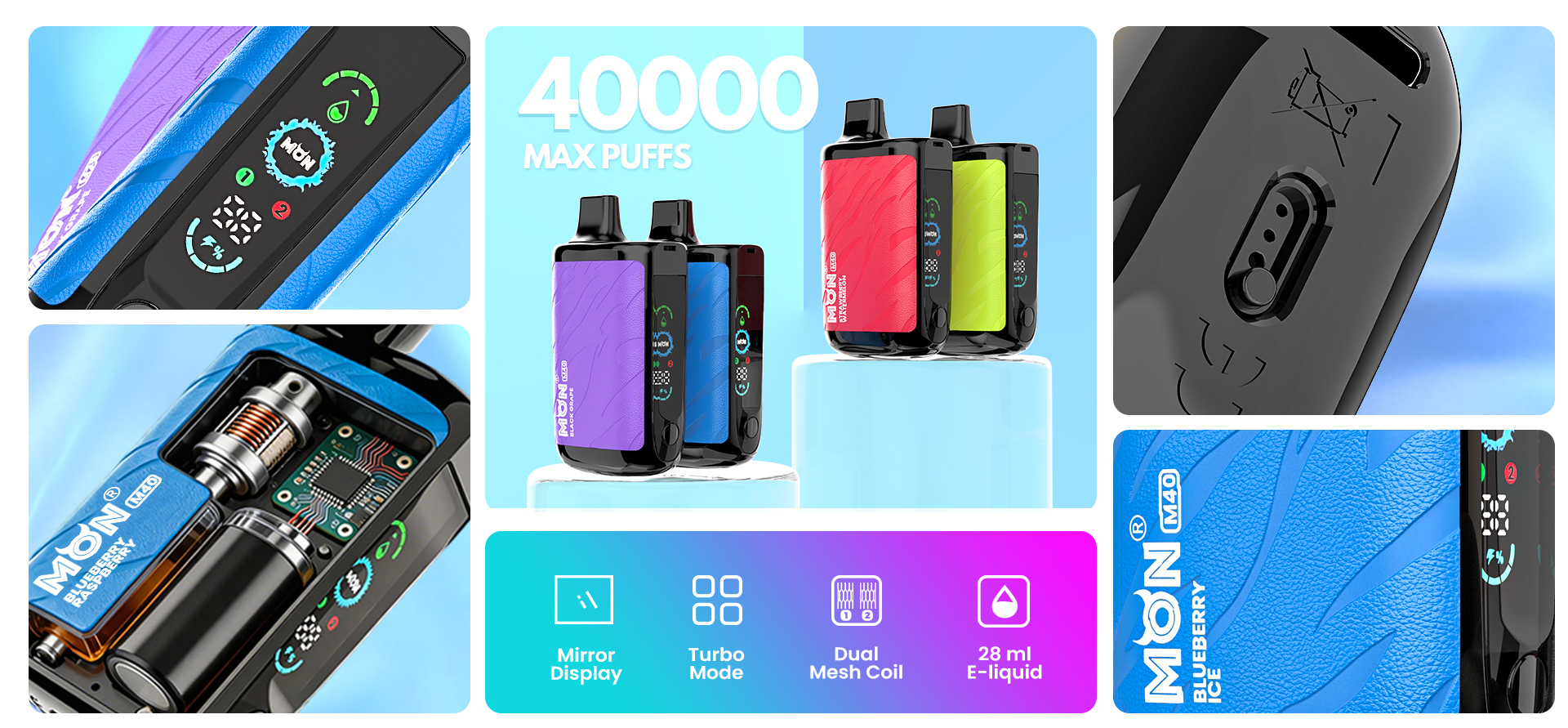
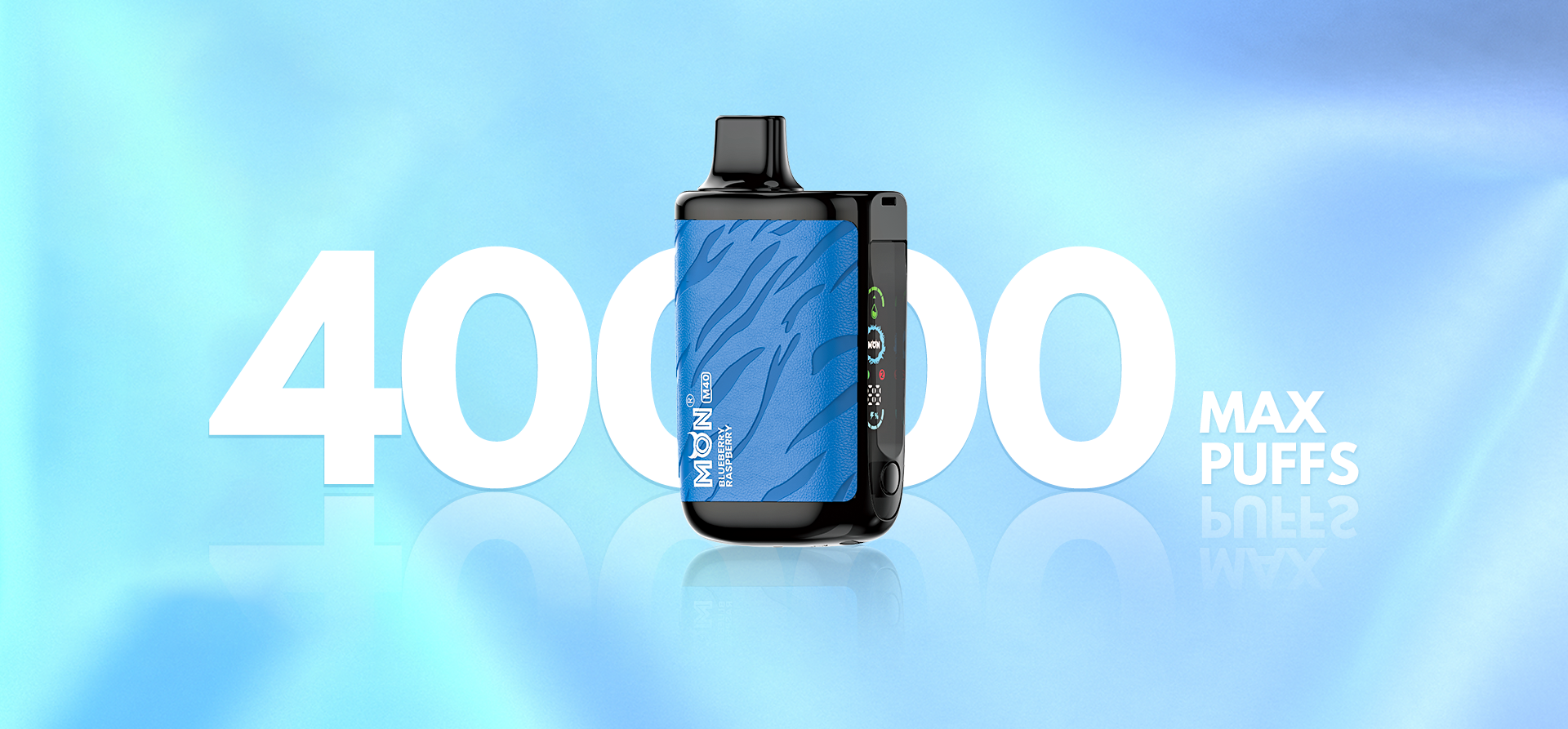
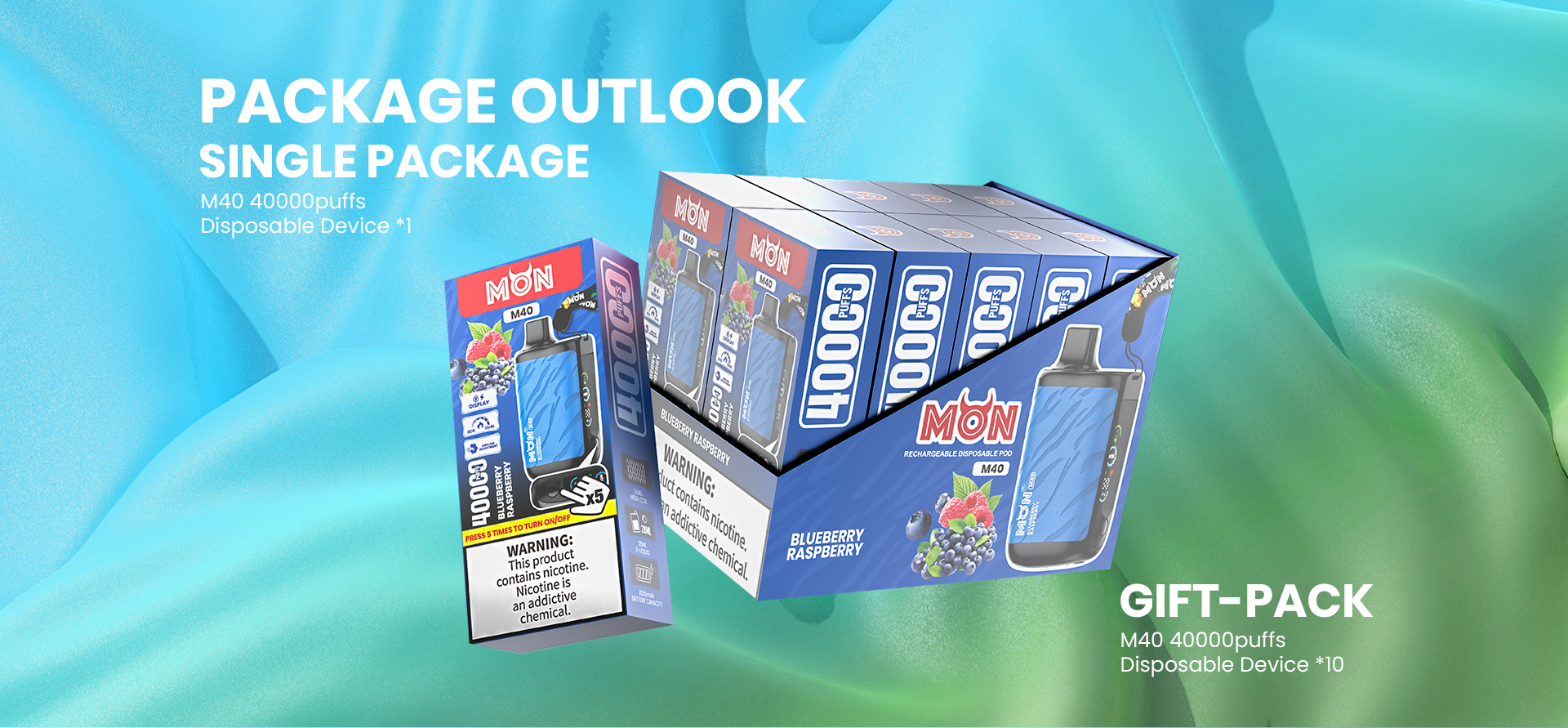
The MONVAPER M40 is a rechargeable disposable pod with a mirror display, dual mesh coil, selectable Regular and Turbo modes, and adjustable airflow. The product images list a maximum of 40,000 puffs.
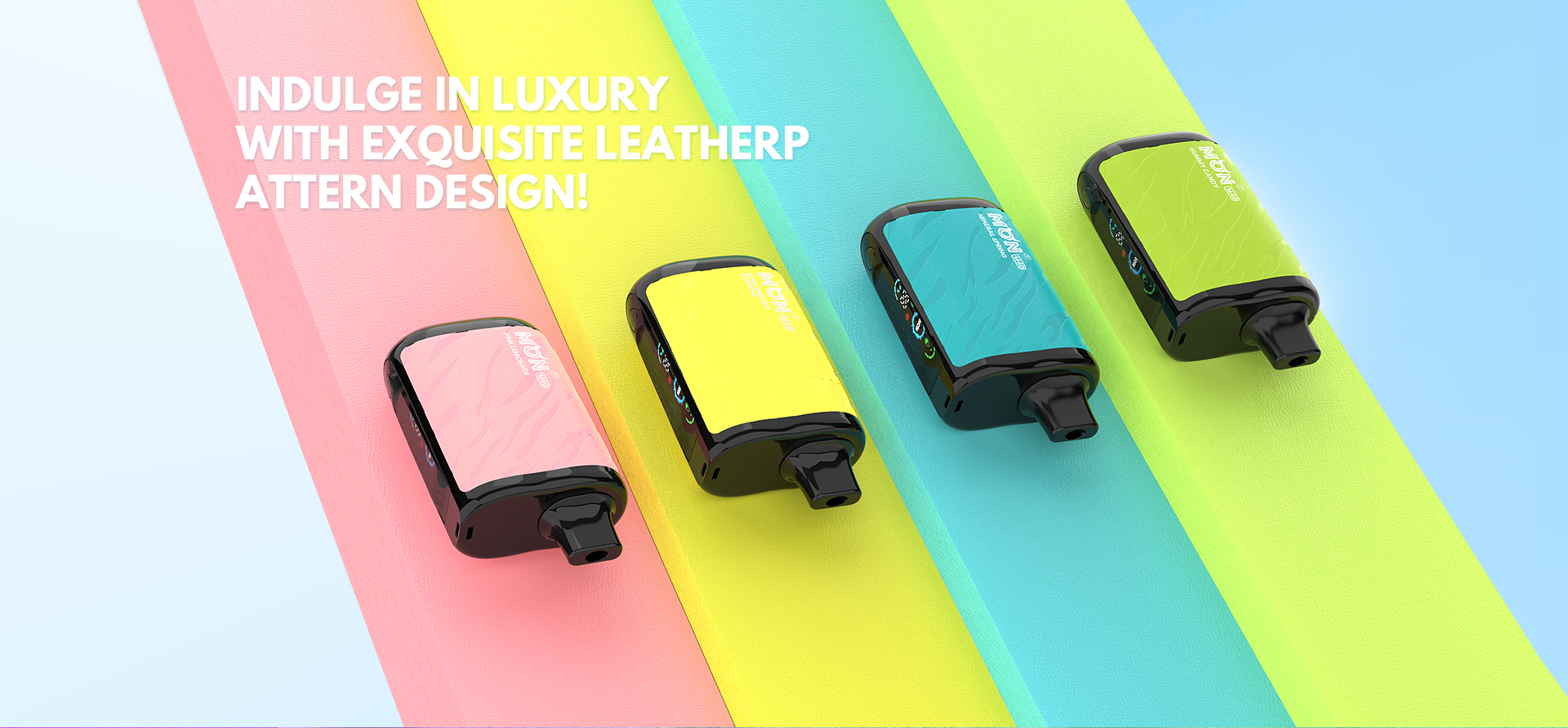
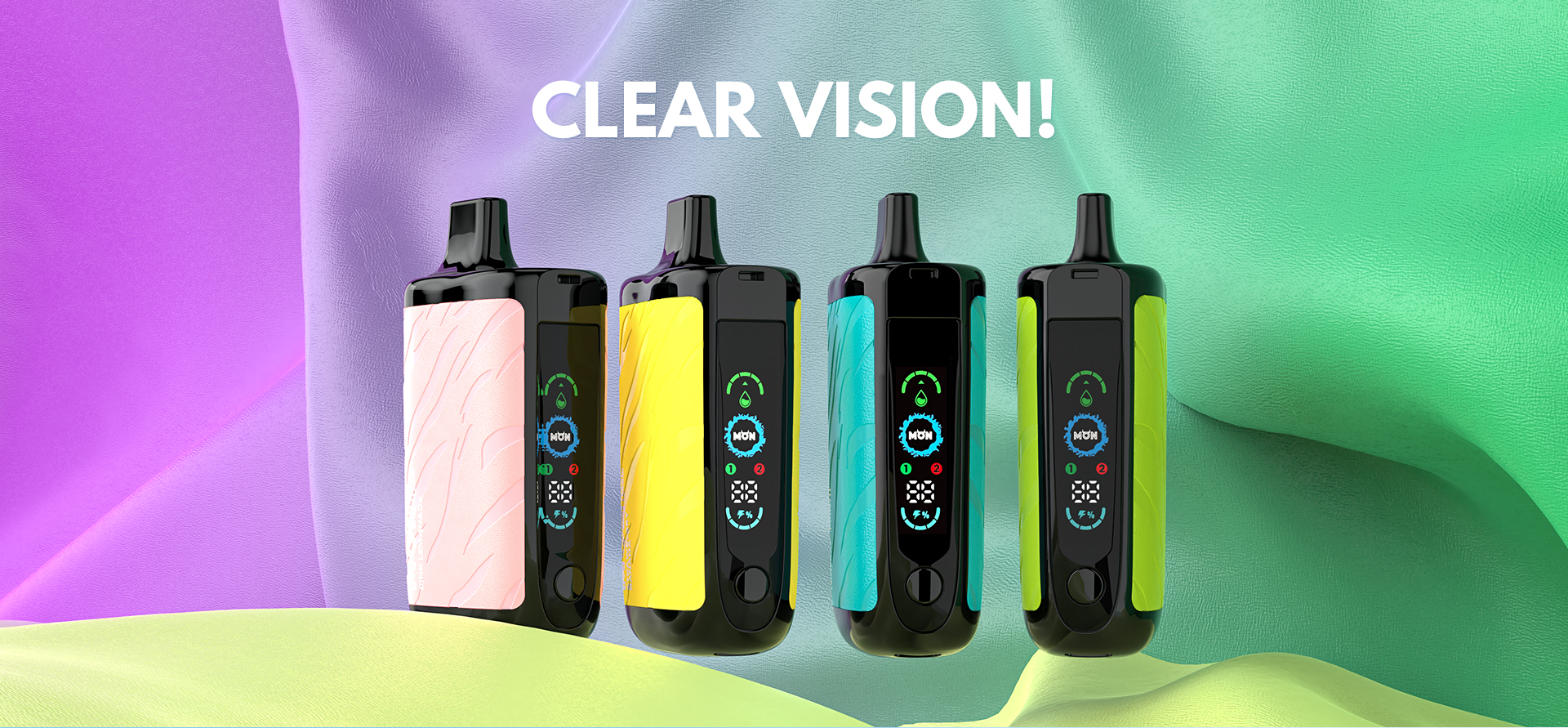
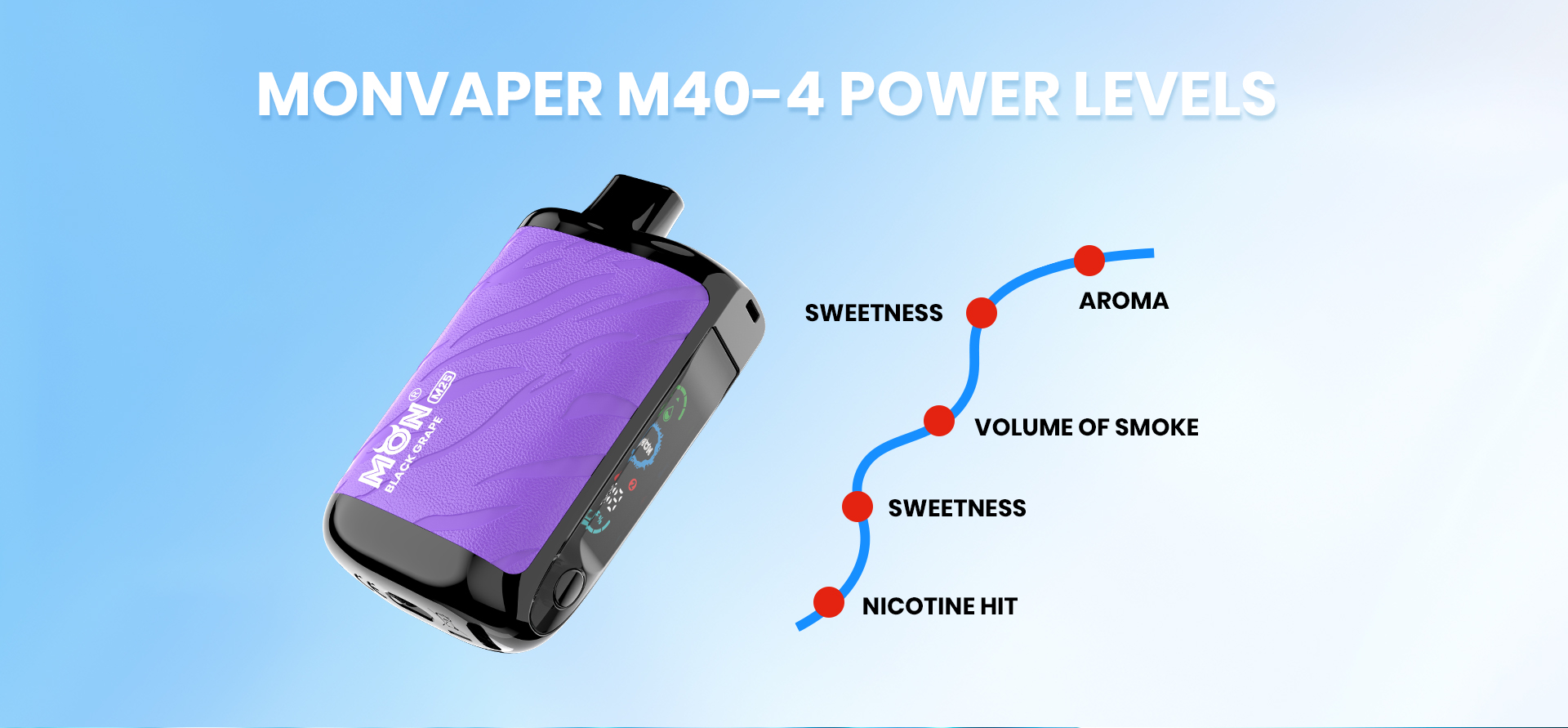
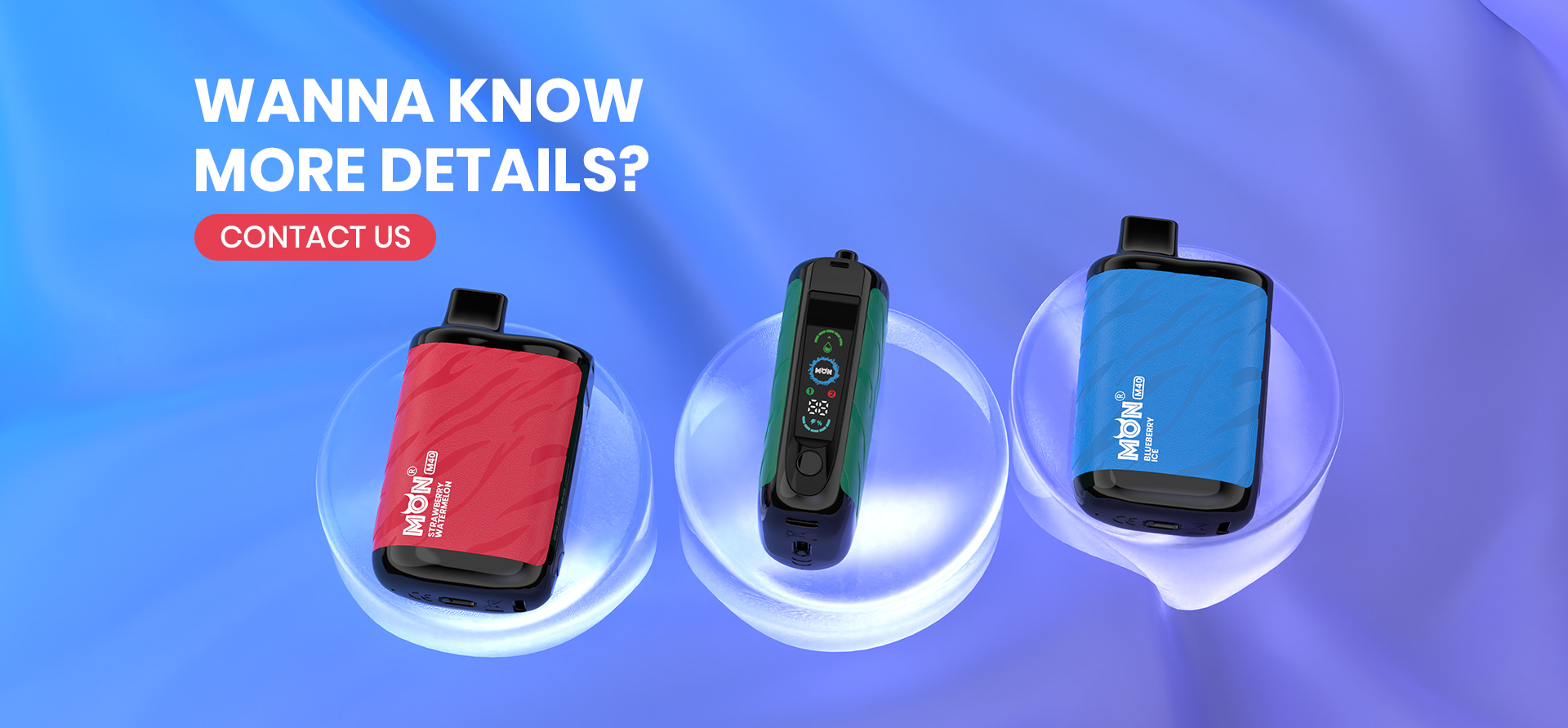
M40 key specifications
- Maximum puff count: 40,000 puffs.
- E-liquid capacity: 28 ml.
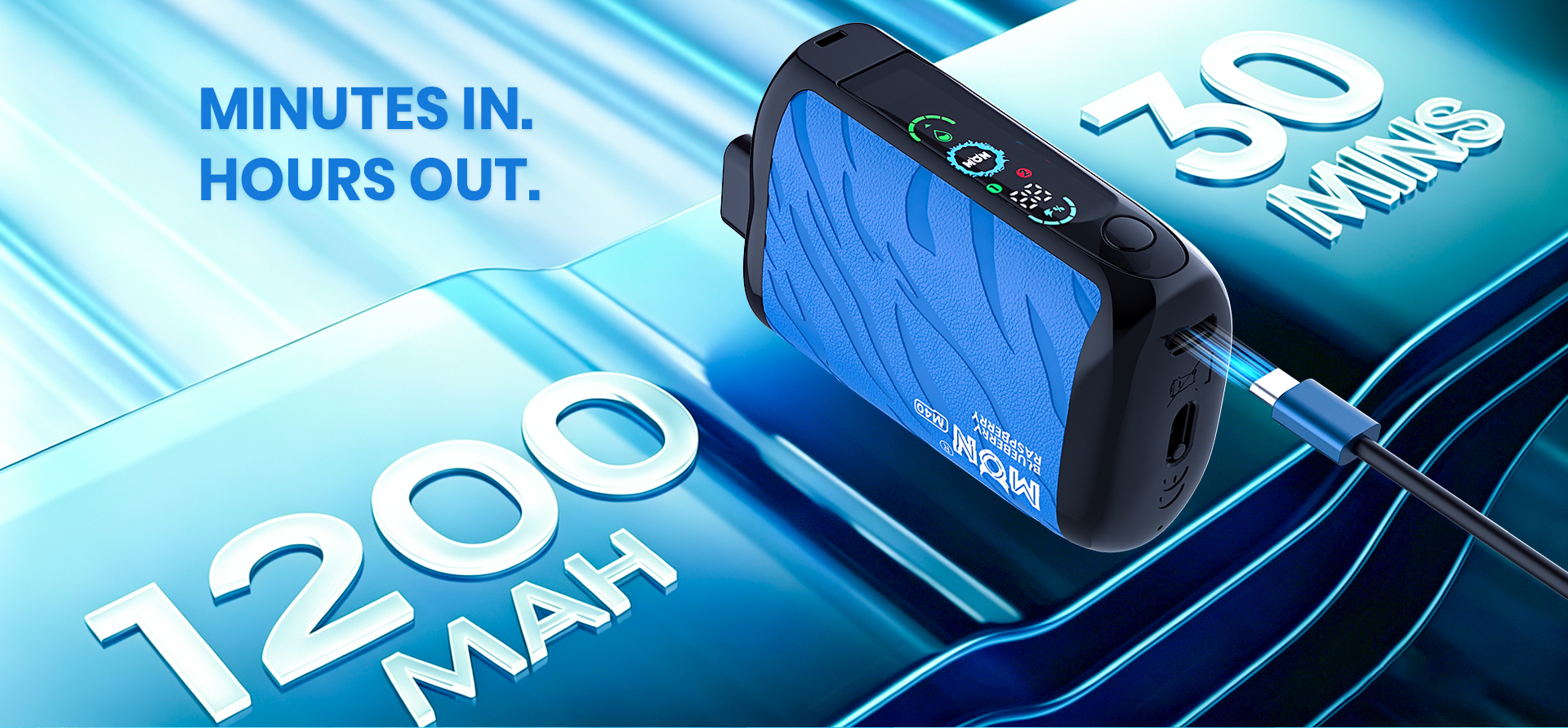
- Battery capacity: 1,200 mAh; output shown as up to 30 W.
- Mirror display and dual mesh coil.
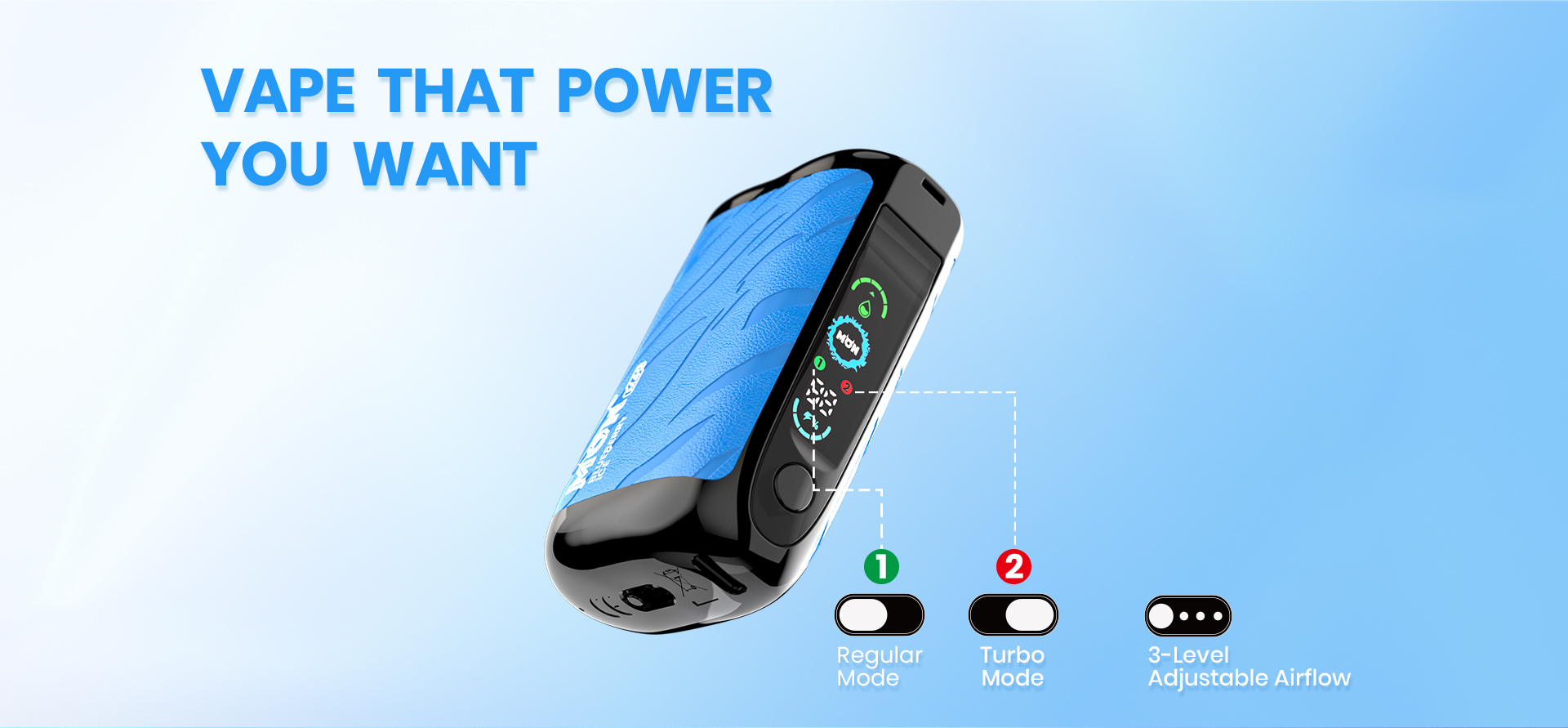
- Regular and Turbo modes, four power levels, and three-level adjustable airflow.
- Rechargeable via the Type-C port shown on the device.
How to use the M40
- Press the device button five times to turn it on or off, as shown on the packaging. Switch it off before storage to avoid unintended operation.
- Check the mirror display for the device status and remaining levels before use.
- Select Regular or Turbo mode and adjust the three-level airflow to the setting you prefer.
- Connect a Type-C cable to the charging port when the battery needs charging. Disconnect it when charging is complete.
- If the display does not respond or vapor production changes, check the on/off state, selected mode, airflow setting, battery level and e-liquid indicator.
For the five-click control steps, read How to Unlock the MONVAPER M40 Child Lock.